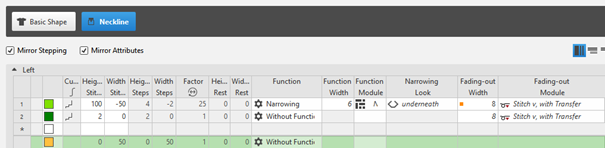
Creating the shape as lined shape in the pattern project
Open the  Shapes tool window:
- Lined shape is created.
- Lined shape is saved as xx.slsf.
- 1
- In the Home ribbon under
 Tool Windows, select the Shapes tool window.
 - In the tool window, the existing shapes of the pattern project are displayed.
- 2
- Place the cursor in the tool window and open the context menu.
- 3
- Select
 Import Shape... in the context menu.
 - The Open dialog box appears.
- 4
- Enter the path and select the desired shape
- Example: Lined shape of front with V-neck and structure
- 5
- Confirm the selection by the Open button.
- The saved lined shape (basic shape) is displayed in the Shapes tool window.
- 6
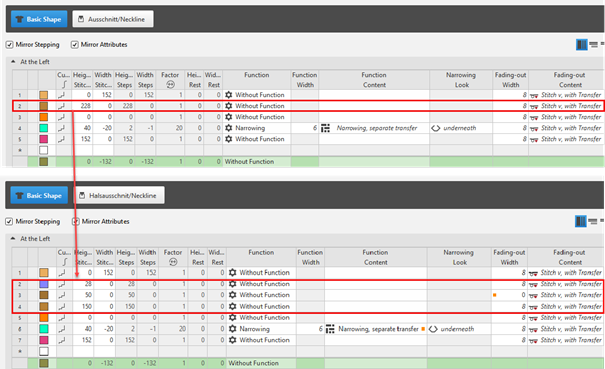
- Modify the existing shape line (2) if desired.
 : Changing the line enables to position the knitting ranges even better.
- 7
- Allocate the desired shape line attributes to the shape line.
|
Basic Shape: Modified front |
|
|
|
Shape Element Type: Neckline symmetric |
|
|