Multi-step Widening
 Multi-step Widening
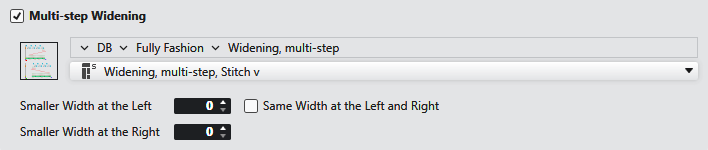
The start is knitted narrower than the pattern and then is widened to the pattern width through multi-step widening.
|
|
Opens the Knit Explorer. Select the module for multi-step widening. |
|
|
Select the path from the Knit Explorer. directly. Click on the arrow |
|
|
Select module for multi-step widening. |
|
Smaller Width at the Left |
Enter how much narrower the start should be on the left side. |
|
Smaller Width at the Right |
Enter how much narrower the start should be on the right side. |
|
|
Both sides are equally narrow. When the selection is activated, then Smaller Width at the Right will be greyed out. |



