Group Feed Wheels Tab
In the Group Feed Wheels tab, you can divide the yarn carriers into groups to which you assign the corresponding feed wheel settings.
 The groups should only be created once the yarn carriers have been assigned to the yarn carrier tracks.
Unused yarn carrier tracks should not be added to a group. They will be removed from the group when the dialog box is closed or when the yarn carrier track is subsequently assigned.
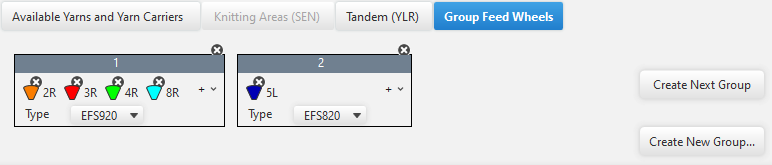
|
Create Next Group |
Creates a new group with consecutive numbering |
|
Create New Group... |
Creates a new group. |
Make the following settings within the group:
|
|
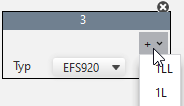
Allocate a yarn carrier to the group.
|
|
|
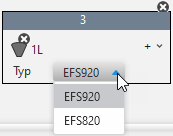
Select the feed wheel type. |
|
|
Remove a yarn carrier from the group. |
|
|
Delete Group |