General settings (line table)
|
|
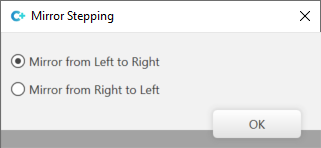
Creates a symmetrical shape element. Then, select if the stepping should be mirrored from left to right or from right to left:
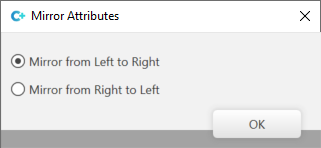
If Then you select if the attributes should be mirrored from left to right or from right to left:
| |
|
|
Attributes are also mirrored. | |
|
|
Attributes are not mirrored. | |
|
|
Creates an asymmetrical shape element. The stepping for the left and right are independent of each other. | |
|
Anchor Distance |
Shows the X and Y distance of the selected shape element to the corresponding anchor point.
| |
|
|
Show the line properties for the left side. | |
|
|
Show the line properties for the right side. | |
|
|
Show all columns of the table. | |
|
|
Show Sub-rows | |
|
|
Hide Sub-rows | |


 You can edit the

