Assign Knitting Range
Place the created knitting range to the back, front, and sleeve.
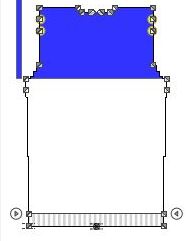
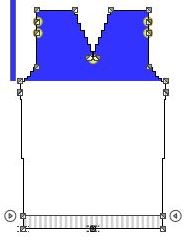
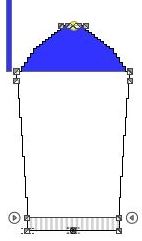
- 1
- Select the
 Knitting Range function in the Drawing Tools group.
 - 2
- Select the defined Moss Stitch Range knitting range.
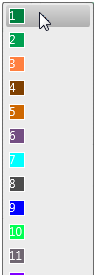
- 3
- Go to the back.
- 4
- Click the shape point at the arm hole start.
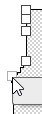
- The Place Knitting Range pop-up window appears.
- 5
- Keep the
 Insert Knitting Range Downwards check box deactivated.
 - 6
- Select the value -1.0 as distance from the shape point to the lower limit of the moss stitch area via the
 edit box.
 - 7
- Confirm with
 .
. - The pop-up window closes.
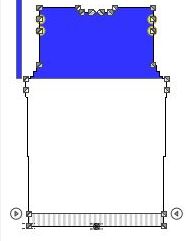
- The moss stitch range appears on the back.
 Note
Note
Proceed the same way in order to allocate the moss stitch area in the front and in the sleeve.