How to Change the Start
- A change in the knitting mode at the sleeve cuff is required.
- The stitch density for the start was determined based on the knitting sample.
- The stitch density is entered in the Stitch density table.
- The dimensioned shape is opened in the Dimensioning View.
- 1
- Run the function in the context menu of the sleeve.
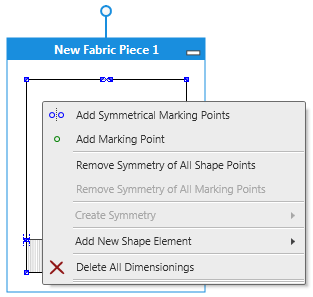
- The Properties of Fabric Piece dialog box appears.
Properties of Fabric Piece - 2
- Go to the Start group box.
- 3
- Select the entered stitch density in the Stitch Density
 list box
 - 4
- Keep the
 Knitting Element for the Start check box active.
 - 5
- Select the start module for the sleeve in the list box.
- 6
- Select the settings for the start:
- Quantity of Systems
- Elastic Thread
- Protection Yarn
- Transition
- Doubling.
- 7
- Close the dialog box.
- Changing the knitting mode at the sleeve cuff is defined.
Proceed accordingly to change the start in another fabric piece.