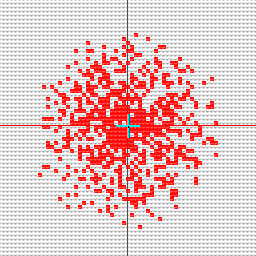
|
 Cuadrado a la der. más denso Cuadrado a la der. más denso
 Respetar la selección. Respetar la selección.
|
- Select the Cuadrado a la der. más denso option.
- Set the size. The value determines the side length of the square.
- Set the value for Densidad 1 (e.g. 100) and Densidad 2 (e.g. 0).
- Select Respetar la selección.
- Select an area in the pattern.
- Select the attributes by which you want to spray. (yarn color red e.g.)
- Select any desired point in the selected area of the pattern.
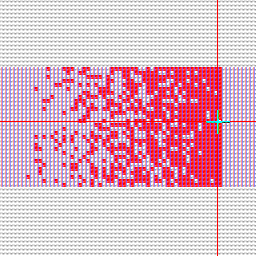
|