Report
You can open the Pattern Report dialog box in the Vista ribbon.
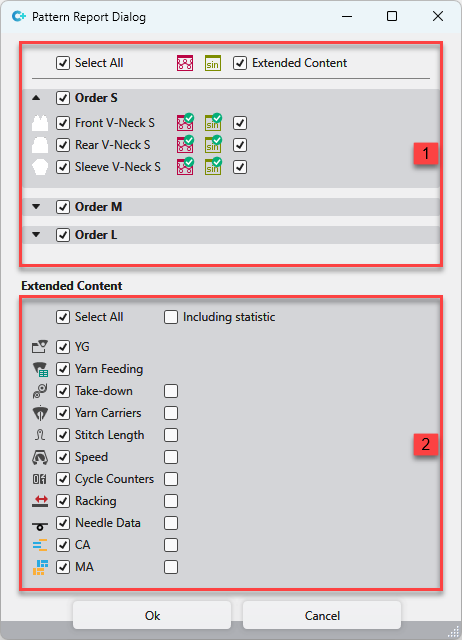
You make the following settings in the dialog box:
|
1 |
Select the patterns or orders for which you want to create the report.
|
|
2 |
Select the extended report data which you want to see in the pattern report.
|
 Extended Content
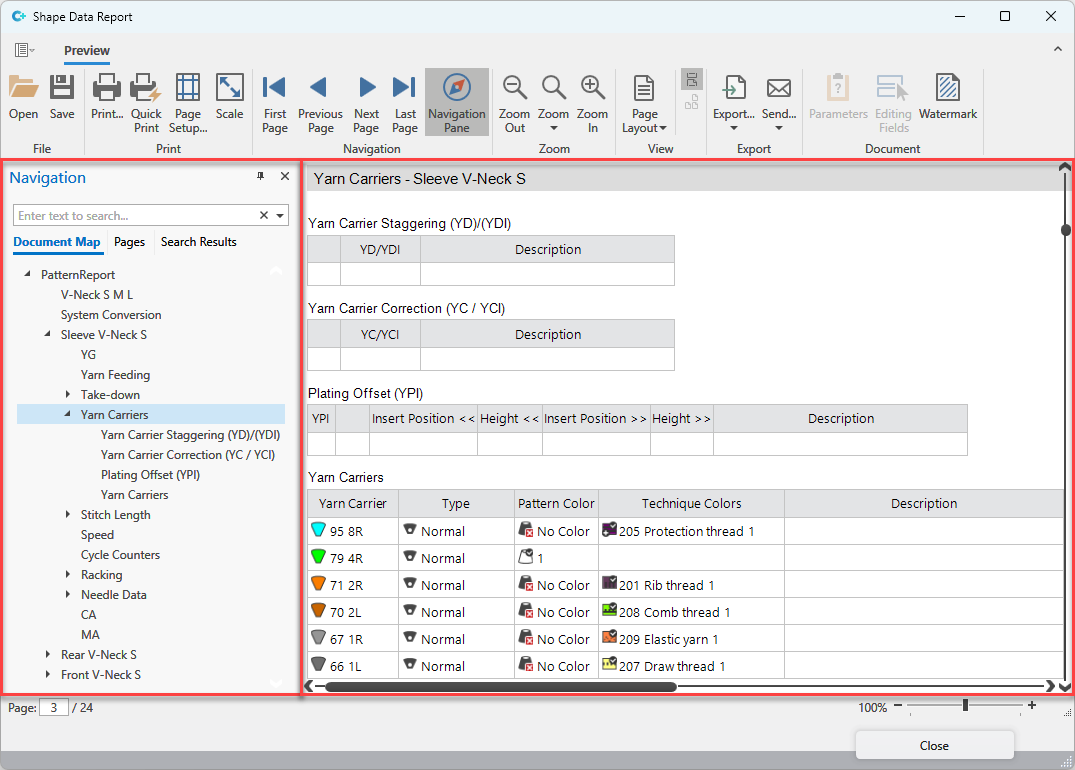
The pattern report will be created after confirming the dialog.
In the left area, you can directly access the desired report data.
The right area shows the report data.