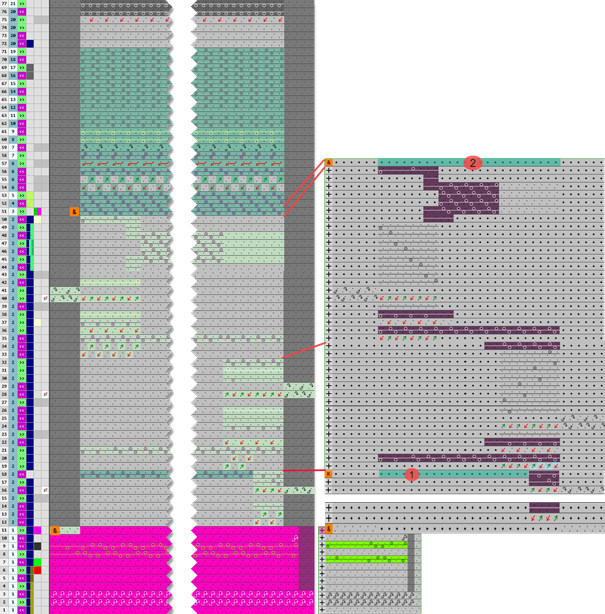
Knitting Element for the Start

A STOLL knitting element of the Début type contains all variants for the options of a start.
Select the desired start in the Nouveau dessin dialog box.
 Row Markings control column:
 : The Row Markings control column appears only in the view of the Début knitting element type.
|
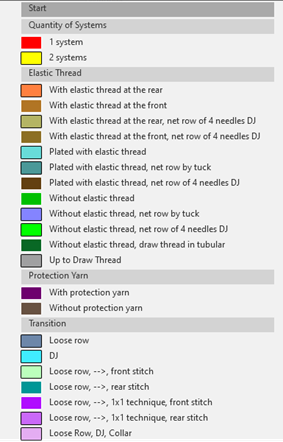
| According to the color entries in the | |
Filter the view of a start type knitting element:
| ||
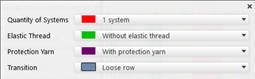
| Open the menu with the
| |
| Enable the | |





behavior of comb thread, Float and Lock and start
|
| |
1 | The |
2 | The |
| |