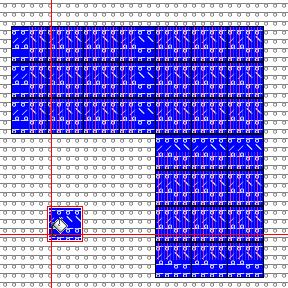
Usage of Fill Selection

Remplir la sélection

Fill with module and yarn color.

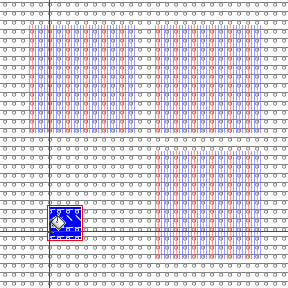
  • Select the areas of the pattern, which are to be filled.
    They don't need to be contiguous areas.
  • Select the attributes by which you want to fill.
  • Select any desired point in the pattern.
    You don't need to click into a selected area.
    The point you click, defines the repetition of the attributes in the selection in the entire pattern.

  • The selection in the Remplir group determines the result.

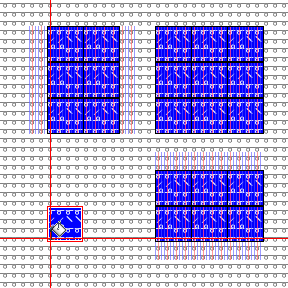
Fill with module and yarn color
Bord libre

Fill with module and yarn color
Bord exact

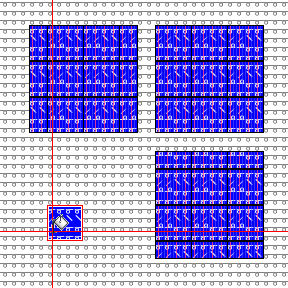
Fill with module and yarn color
Bord recouvert