Feed Wheel
|
|
Make settings for the feed wheels. You select the feed wheel type in Configuration -> Attributs de machine |

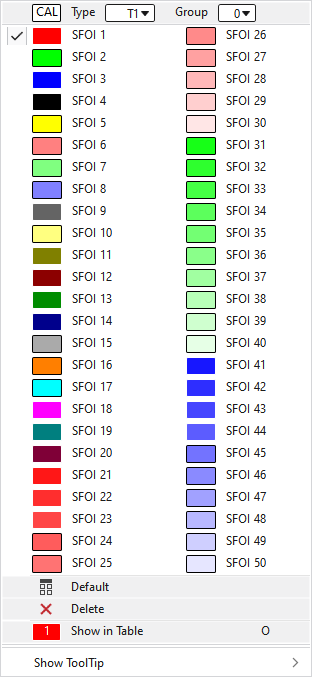
In the context menu you have the following options:
|
|
Calibrate Fournisseur . For this select the Type and the Groupe. |
|
|
Select the SFOI index. You make the corresponding settings of the index entries in the Pattern Parameters , in the Fournisseurs tab. |
|
|
Sets the setting on Default.
|
|
|
Deletes the entry. |
|
|
Opens the displayed entry of the feed wheel table in the Setup data. There you can make further settings and then apply them to the pattern. |
|
Afficher l'info-bulle |


 Applies the entry of the default setting from the header row.

