Pop-up Dialog with Knitting Elements
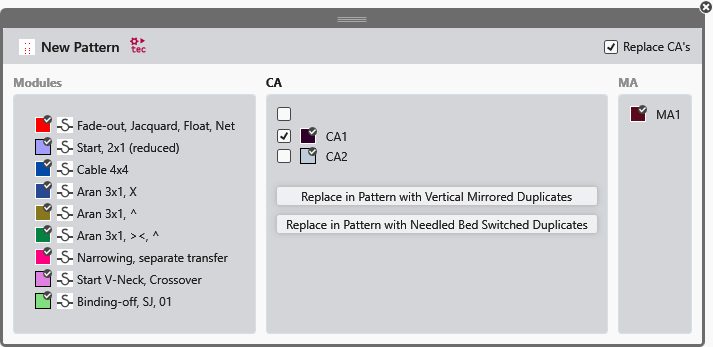
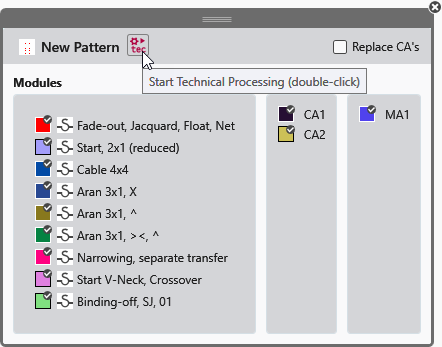
- The displayed knitting elements depend on the processing status.
- It is opened with a double-click on a knitting element.
- The following icons appear next to the pattern name depending on the processing status:
-
 Élaboration technique
 -
 Créer le programme de tricotage
 -
 Contrôle du Sintral
 -
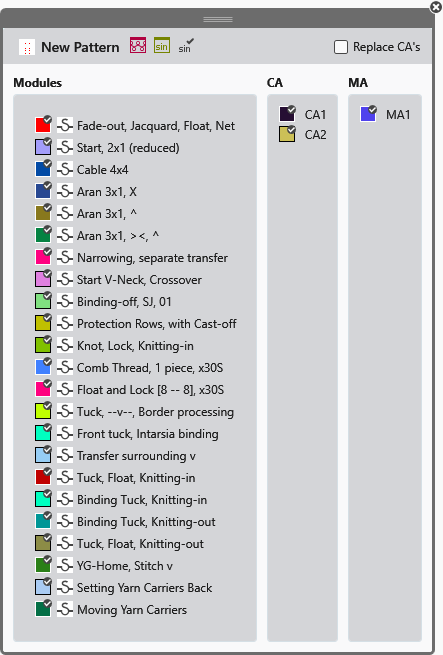
- The function of the icons in the header corresponds to that in the Pattern Item.
-
 Replace CA

The following functions appear under the CAs used in the pattern:
- Replace in Pattern with Vertical Mirrored Duplicates
- The selected CAs are duplicated.
- The duplicated CAs are mirrored along the vertical axis.
- The CAs present in the pattern are replaced by the mirrored copies in the control column of the pattern.
- Replace in Pattern with Needled Bed Switched Duplicates
- The selected CAs are duplicated.
- The duplicated CAs are mirrored for the opposite needle bed.
- The CAs present in the pattern are replaced by the mirrored copies in the control column of the pattern.