Tool Window Layout
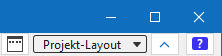
Above the ribbon, at the right edge, you can make the following settings to the tool window layout.
|
|
Opens the Gestion de la disposition window. |
|
|
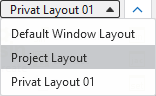
Select layout setting. |

For this also see:
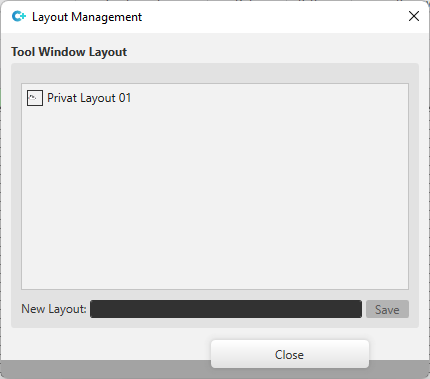
In the Gestion de la disposition window you can make and save your own layout settings.
|
Disposition de la fenêtre Outils |
Your own saved layouts are displayed in the window layout. |
|
Nouvelle disposition : |
Enter the name with which the current layout is to be saved.
|
The tool window layout is saved in the *.spf file when you close the project.
When reopening the project the previously saved layout becomes available again.