Options for creating / editing a lined shape in the pattern project
- In the
 document window
 -
In the Line Table
- In the
 document window
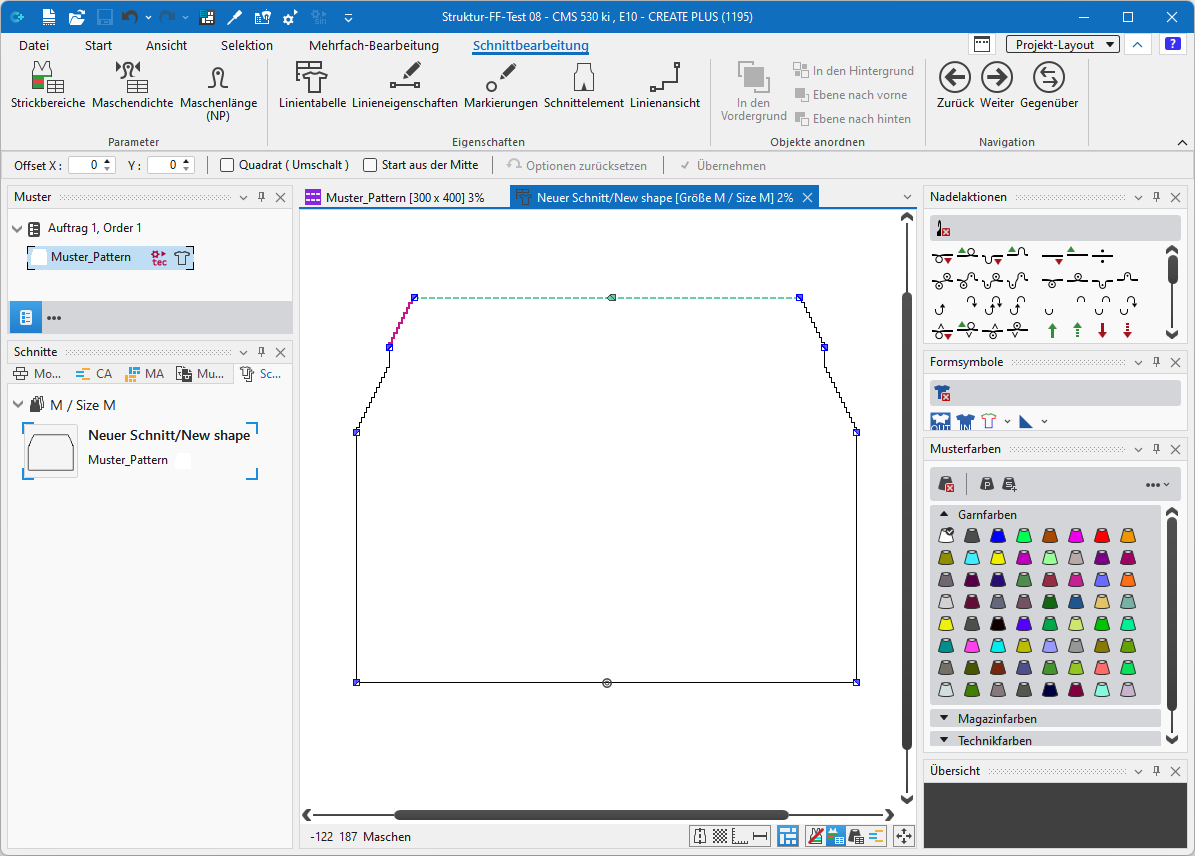
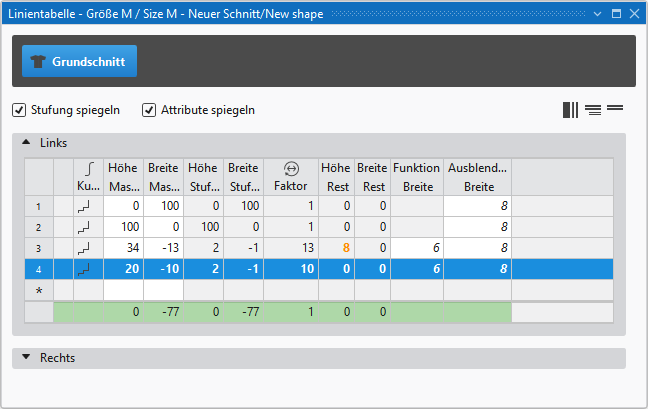
 : Only possible if the lined shape is positioned in the Design pattern.
|
| |||
|
1 |
Sposta taglio (CTRL = in passi da dieci) |
The shape positioned in the
| |
|
2 |
Shape Points |
You can move shape points with the cursor keys of the keyboard if Modifica livello del taglio lineare (Y) is selected. | |
|
|
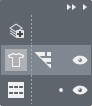
Layer control to toggle between Modifica livello del disegno or Modifica livello del taglio lineare (Y) | ||
|
3 |
Upper Line |
|
Shape Layer: |
|
|
Toggle exceeding knitting elements | ||
|
4 |
Lower Line |
|
Design Layer:
|
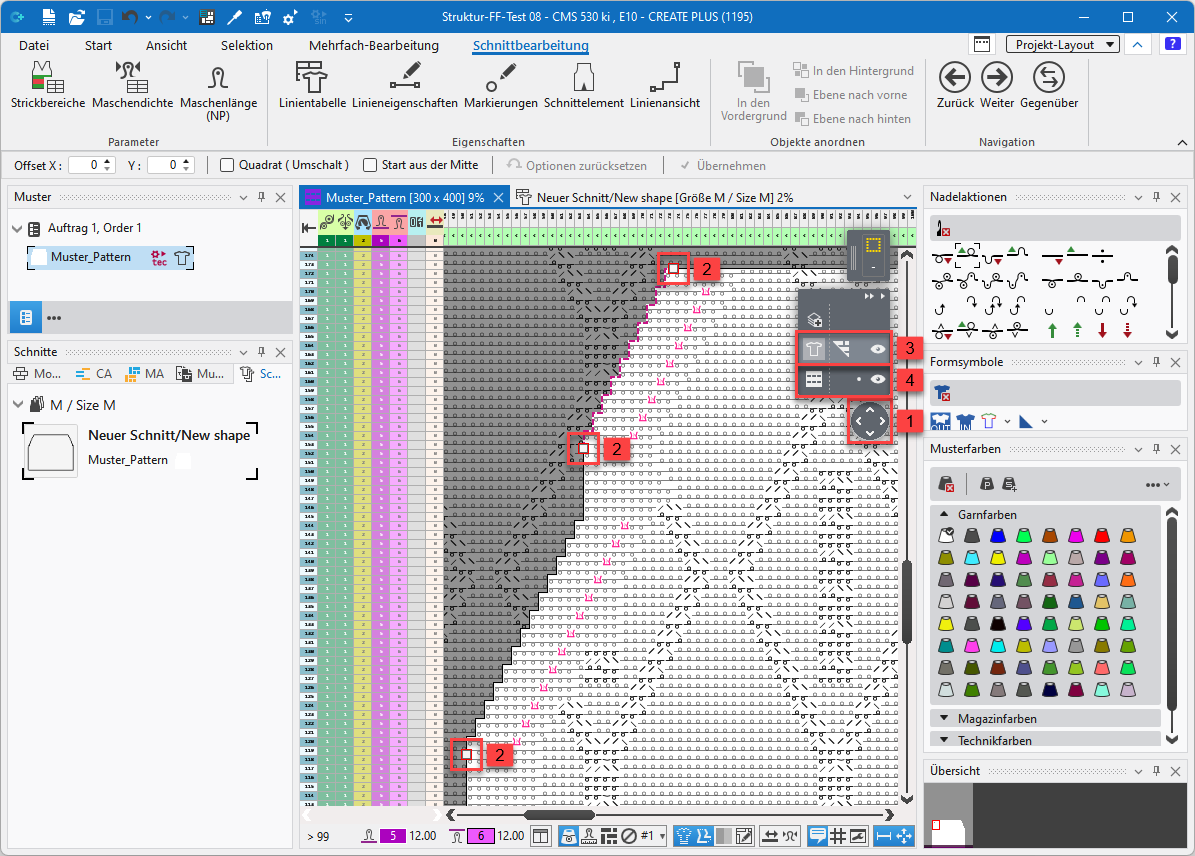



For creating a lined shape, you can move freely between the three options whereby all the data is always updated.