Pattern tool window
Disegno
Avvio tab -> Finestre degli strumenti -> Disegno
In the Disegno tool window you create and manage patterns and groups of a design project.
|
Disegno |
Gruppi |
|
|
|
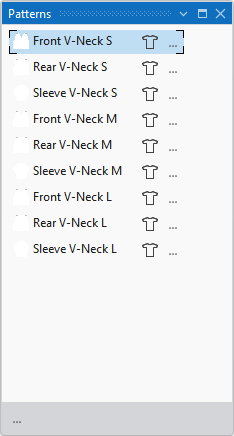
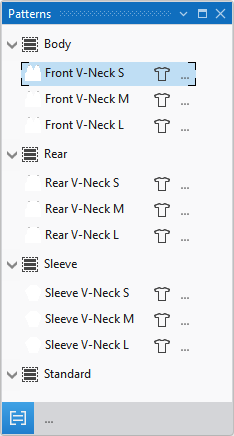
Groups
|
Working only with patterns |
Work without groups if you have only a few patterns in the design project. |
|
|
Combine the patterns of the design project in groups when you are working with many patterns. You can group related patterns and as a result you get a better overview of the entire project.
|

Click on the  symbol to switch the work with groups on and off.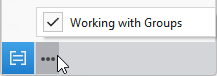
In the Disegno tool window you create new groups or patterns using the following context menu:
You make the following settings in the context menu on the group:
Pattern Item
Beside the pattern name appear different icons.
In this pattern entry (pattern names and icons) you find different settings and features.