Usage of Magic Wand

Draw with or without attributes

  • If you selected cursor attributes, they will be applied to the selected area.
  • If you did not select any cursor attributes, the area will be selected.
    The selected area is available for further editing.

Observar o limite de forma

Cor de fundo

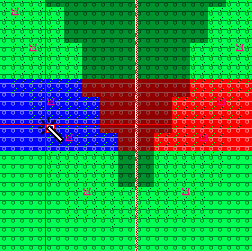
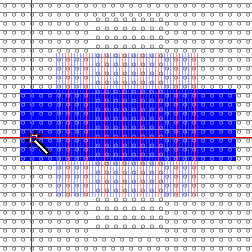
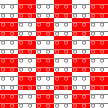
  • The pattern contains a red stripe.
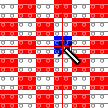
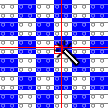
  • The stripe is filled with blue at the left side of the neck using the magic wand.
  • While filling, the background color and the shape limit are taken into account.

Magic wand in the raster-shape without SHIFT key

Magic wand in the raster-shape with the SHIFT key pressed

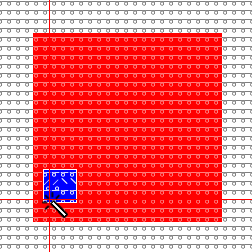
Graphic as basis for the following examples

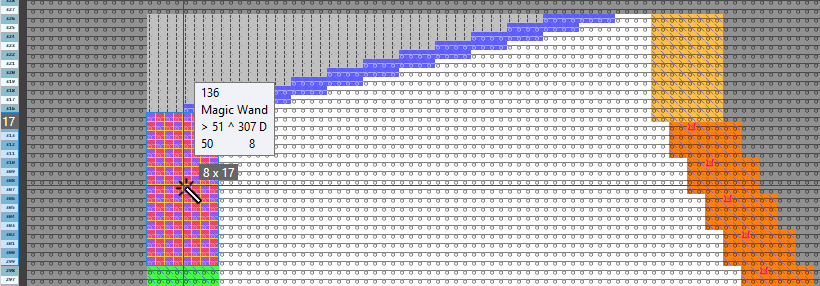
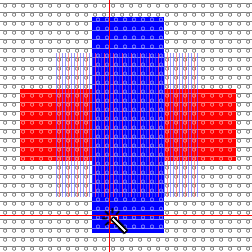
  • Starting point with color area, needle action and selection.

Cor de fundo

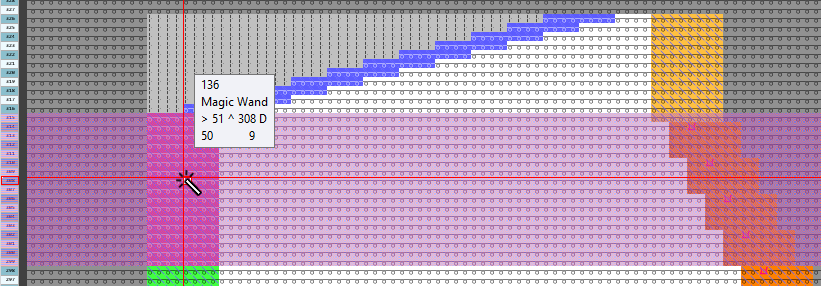
  • The red area is filled with the yarn color blue.
  • While filling, only the background color is taken into account.

Ação de agulha / Módulo

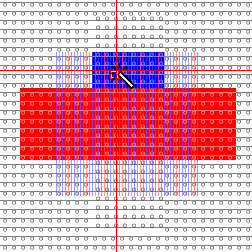
  • The rear stitch area is filled with the yarn color blue.
  • While filling, only the needle action is taken into account.

Ter em conta a seleção

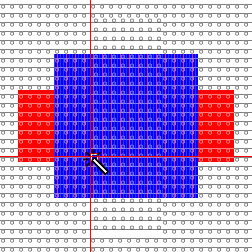
  • The selected area is filled with the yarn color blue.
  • While filling, only the selection is taken into account.

Cor de fundo

Ação de agulha / Módulo

Ter em conta a seleção

  • The selected area is filled with the yarn color blue.
  • While filling, the background color, the needle action and the selection are taken into account.

crescer na diagonal

  • While filling areas are considered as uniform, even if they are connected only at the corners.
  • Example graphic

  • crescer na diagonal is not active:

  • crescer na diagonal is active:

Magic wand with modules and blue yarn color

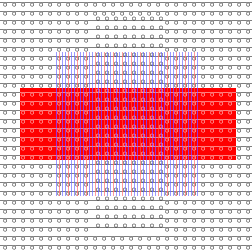
  • Click on the red area with module and yarn color at the magic wand. The position, on which it is clicked determines the positioning of the module.

Magic wand with module and border free

  • Set the Preencher property to Ourela livre .
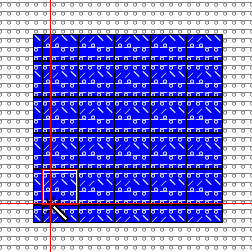
  • The module is inserted within the color edge as far as it can be inserted completely.

Magic wand with module and border exact

  • Set the Preencher property to Ourela exacta .
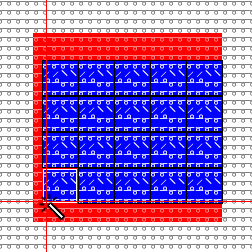
  • The module is inserted up to the color edge. If the modules cannot be inserted completely at the border, they will be inserted partially. The entire color area is covered.

Magic wand with module and border covered

  • Set the Preencher property to Ourela sobreposta .
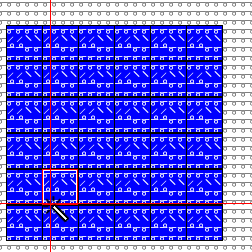
  • The module is completely inserted in the color area. The modules, that cannot be inserted completely up to the color edge, will be inserted and the area will be extended.