Usage of Fill Line

Draw with or without attributes

  • If you selected cursor attributes, they will be applied to the selected area.
  • If you did not select any cursor attributes, the area will be selected.
    The selected area is available for further editing.


localizar para a esquerda e a direita

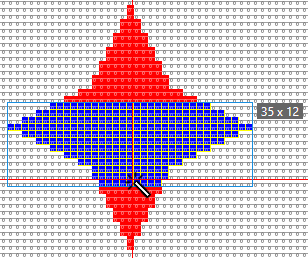
Cor de fundo

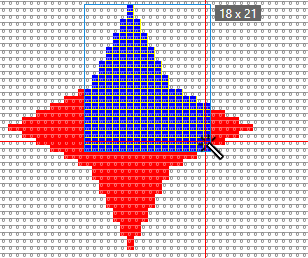
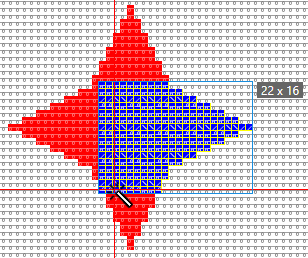
  • The red area is filled with the yarn color blue.
  • Starting with the first mouse click it will be filled to the left and to the right up to the color edge.
  • The first and the second mouse click define the top and the bottom edge.


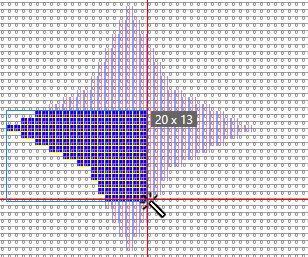
localizar para à esquerda

Ter em conta a seleção

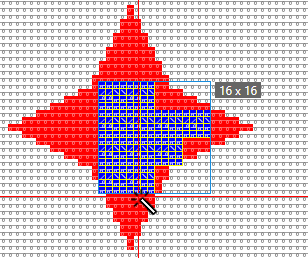
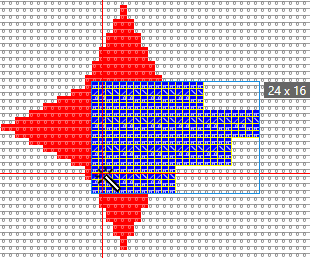
  • The selected area is filled with the yarn color blue.
  • Starting with the first mouse click it will be filled to the left and to the right up to the selected edge.
  • The first and the second mouse click define the top and the bottom edge.


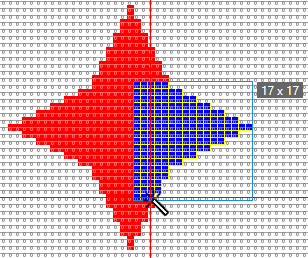
localizar para a direita

Cor de fundo

  • The red area is filled with the yarn color blue.
  • Starting with the first mouse click it will be filled to the right up to the color edge.
  • The first and the second mouse click define the top and the bottom edge.


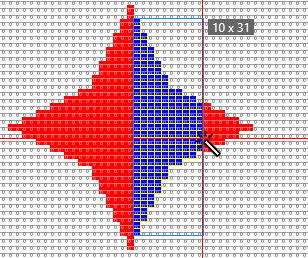
localizar para cima e baixo

Cor de fundo

  • The red area is filled with the yarn color blue.
  • Starting with the first mouse click it will be filled to the top and to the bottom up to the color edge.
  • The first and the second mouse click define the left and the right edge.


localizar para cima

Cor de fundo

  • The red area is filled with the yarn color blue.
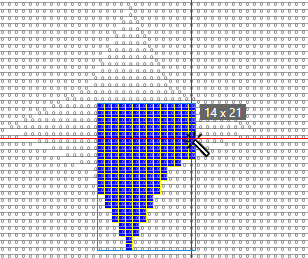
  • Starting with the first mouse click it will be filled to the top up to the color edge.
  • The first and the second mouse click define the left and the right edge.


localizar para baixo

Ação de agulha / Módulo

  • The rear stitch area is filled with the yarn color blue.
  • Starting with the first mouse click, it will be filled to the bottom down to the edge of the needle action.
  • The first and the second mouse click define the left and the right edge.


localizar para a direita Test

Cor de fundo

Fill with module and yarn color.

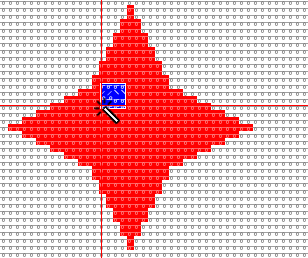
  • Click on the red area with module and yarn color.
    The position, on which it is clicked determines the positioning of the module.


localizar para a direita

Cor de fundo

Fill with module and Ourela livre.

  • Set the Preencher property to Ourela livre.
  • The module is inserted as follows:


localizar para a direita

Cor de fundo

Fill with module and Ourela exacta.

  • Set the Preencher property to Ourela exacta .
  • The module is inserted as follows:


localizar para a direita

Cor de fundo

Fill with module and Ourela sobreposta.

  • Set the Preencher property to Ourela sobreposta .
  • The module is inserted as follows: