Message Box
Settings can be made in the following message windows:
- Positioning of a shape in a pattern.
If the pattern is too small for the shape, then the following message window appears:
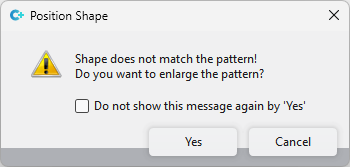
O corte não coincide com a amostra! Deseja ampliar a amostra?
- Shape Edges tool window (only available in pattern projects)
If there is nothing selected in the area Search and you click on Substituir, then the following message window appears:
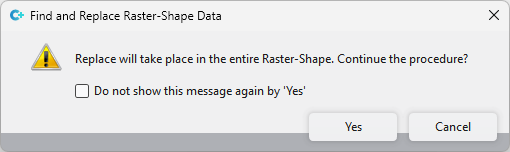
Substituir efetua-se em toda a forma de retícula. Continuar o processo?
If you click on  Com 'Sim' já não mostrar esta mensagem in these windows, these message windows will not be displayed again.
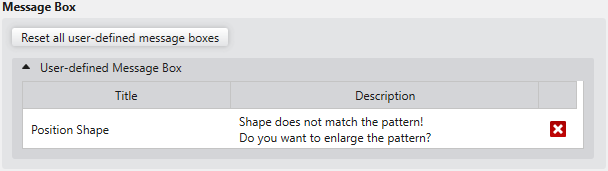
However, if you want to undo these settings again, then proceed as follows:
|
Restabelecer todas as janelas de mensagem personalizadas |
Click on this button to reset all user-defined message windows to the default settings. |
|
Janelas de mensagem personalizadas |
All message windows in which settings were made are displayed. Click on the |
 beside the entry to only undo this specific setting.