Behavior of Starts in Connection with Shapes
Pattern with start but without shape
- You can open and edit the start as module.
- The modifications are saved as local module and can be reused.
- Then you can position a shape on the pattern.
If the shape does not contain a start, the modified start of the pattern will be kept.
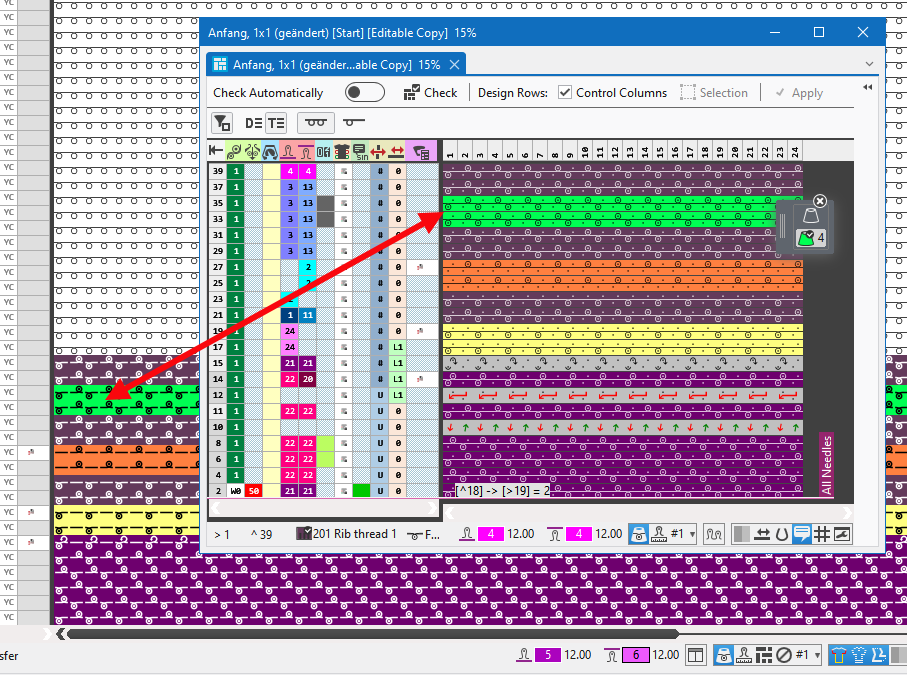
- You can edit the start directly in the needle area and control columns of the pattern.
- The changes will not be applied to the module.
- You cannot position a shape on this pattern.
- The modification get lost by 'Replace Starts' if another module is selected.
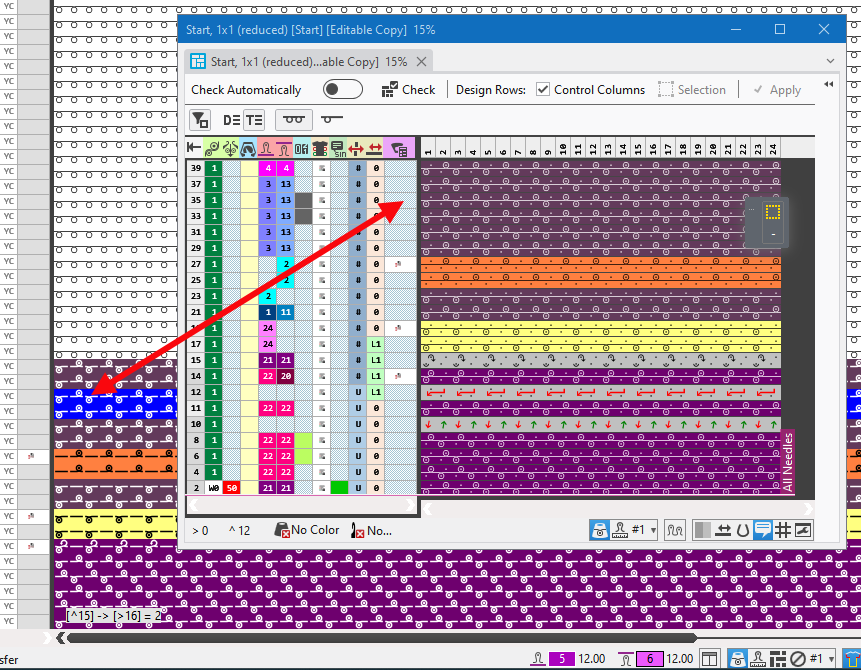
Positioning a shape without start on a pattern with start
- With positioning the shape, the start of the pattern gets stuck to the shape.
- If the shape is moved on the pattern, the start will be moved accordingly.
- With the positioned shape, the start can only be modified by the start module and not within the pattern.
- These changes are saved as a local module with the pattern.
- If the shape is withdrawn from the pattern, the modified start returns to its original position within the pattern.
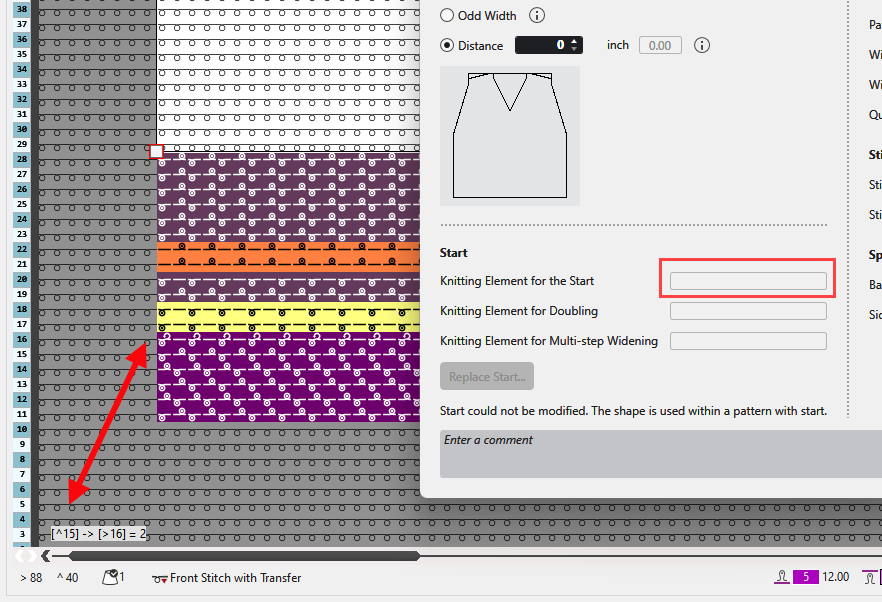
Positioning a shape with start on a pattern with or without start
- With positioning the shape, the start of the pattern gets removed.
The start of the shape gets inserted and stuck to the shape. - If the shape is moved on the pattern, the start will be moved accordingly.
- With the positioned shape, the start can only be modified by the start module and not within the pattern.
- These changes are saved as a local module to the pattern together with the shape.
- If the shape is positioned on a next pattern, the modified start is loaded with it.
- If the shape is withdrawn from the pattern, the start of the pattern returns to its original position.
The modified start is kept in the properties of the shape and is removed from the pattern together with it.
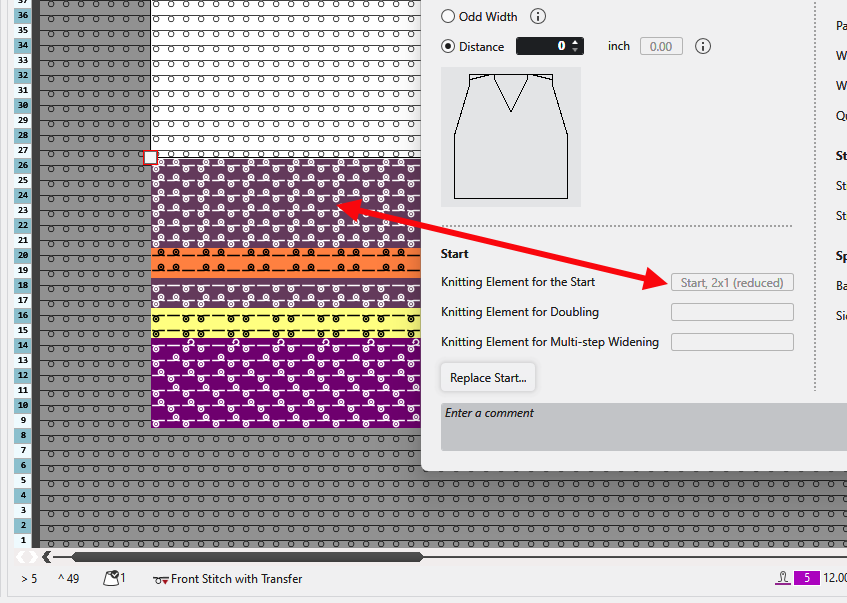
Raster-Shape
- If a shape on a pattern is converted to a Raster-Shape, the start of the pattern can then be edited as desired.
- The changes will not be applied to the module. They are discarded by "Replace Starts".
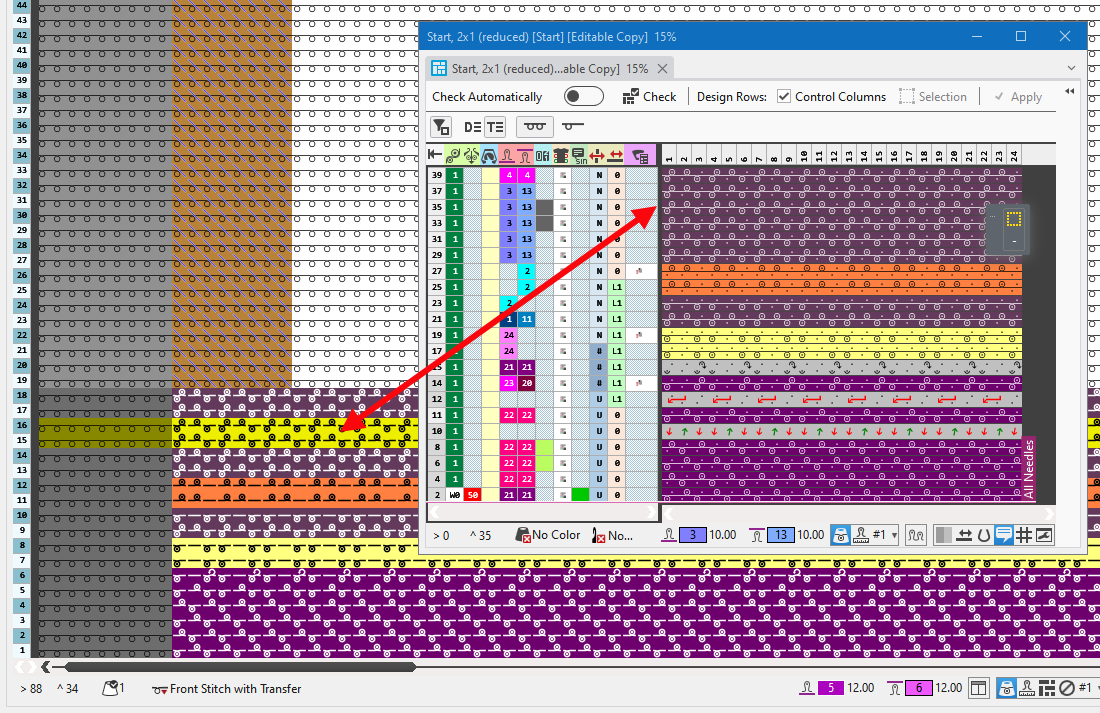
Load a pattern with positioned shape of a former version (<V2.7).
- The start of this pattern has been modified within the pattern having the positioned shape.
Therefore, the start within the pattern is different from the start module. - When loading or importing this pattern in version V2.7 or higher, the pattern will be converted to a raster-shape.
With it, the modified start will be kept in the pattern.
Reason for the changed behavior
- When the shape is applied, the start must always adapt to the position of the shape.
- To ensure that a start is used correctly in fully fashion, including doubling, multi-step widenings, two-piece knitting, etc., the start must be linked to the pattern as a module.
This can only happen if the start is not edited in the pattern.
Basic guidelines summarized:
- Starts should always be edited in the module and not in the pattern.
- Starts can be assigned to the pattern or, better yet, to the shape as a module.
- If a pattern with a start is placed on top of a pattern with a start, always the start from the pattern is attached to the shape.
- If a pattern without a start is placed on top of a pattern with a start, the start from the pattern is attached to the shape.
- If the start was changed in the pattern and not in the module, the shape cannot be placed. An error message appears.