How to Specify the Printable Content
How to Specify the Content of Printouts:
- Without table of the stitch densities
- With hints concerning the collar
- 1
- Open the Print dialog box of the Backstage View.

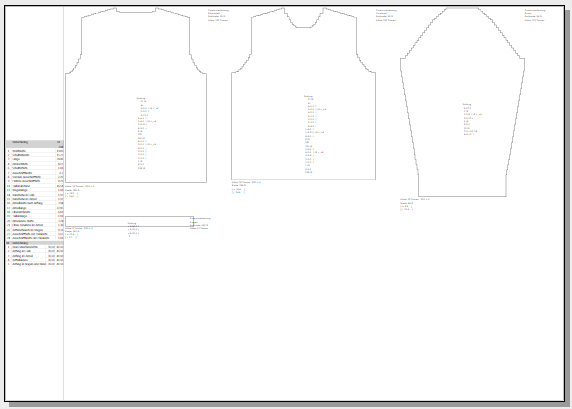
- The Print Preview dialog box appears with predefined layout and content.
- 2
- Open the Text Boxes picklist and select .
- 3
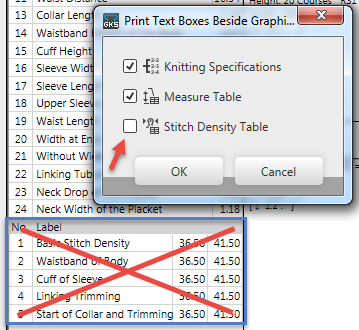
- The Print Text Boxes Beside Graphics dialog box appears.
- 4
- Deactivate

 .
. - 5
- Close the Print Text Boxes Beside Graphics dialog box with OK.
- The table will be hidden in the preview and not be printed on the graphic page.
- 6
- Move the cursor under the collar in the preview.
- 7
- Call-up the context menu.
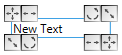
The text box appears at the cursor position.- 8
- Type the desired hint and format it.
For example Do Not Wash!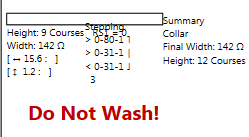
- The print preview appears without stitch density table and with the hint.
 Print Preview (dialog box)