Yarn Feeding
Call up the Casa tab -> Pré-visualização group ->  Guia-fios button.
Call up the Guia-fios tab -> Guia-fios group ->  Alimentação do fio button.
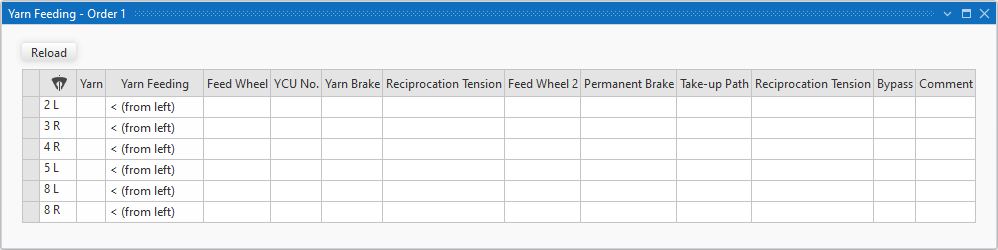
You enter notes here for the yarn feeding of the bobbins to the different yarn carriers, that are displayed in this table.
You can print this table or share it as a PDF file.
|
|
The inserted yarn carriers will be displayed. Sort by this column in order to get an overview of all yarn feedings. | |
|
Fio |
Exibe os fios na janela de ferramentas Atribuição de fio.
| |
|
Alimentação do fio |
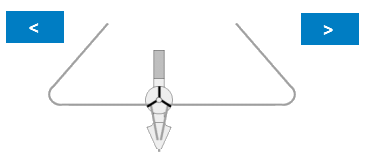
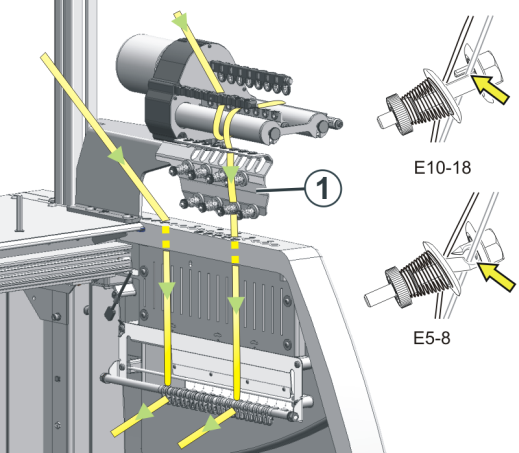
Selecionar direção da alimentação do fio.
| |
|
<V (de cima à esquerda) |
| |
|
V> (de cima à direita) | ||
|
< (da esquerda) |
| |
|
> (da direita) | ||
|
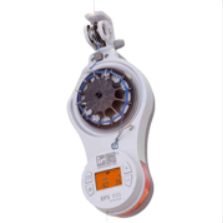
Alimentador |
Entrar indicações relativas ao alimentador à frente da unidade de controle do fio.
| |
|
FKE No. |
Definir o número da unidade de controle do fio. | |
|
Freio de fio |
Definir o efeito de freio na unidade de controle do fio. Example: | |
|
|
Empty entry, deletes the selection. | |
|
débil |
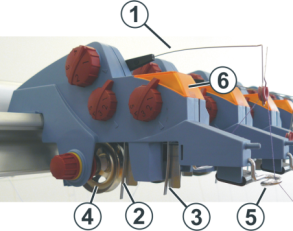
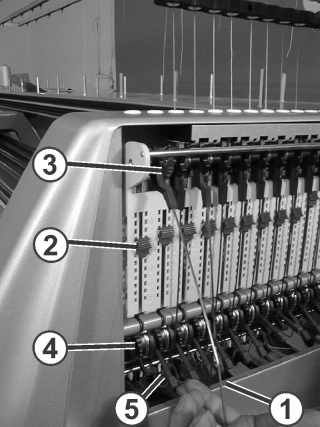
Adjust a weak braking effect at the YCU yarn brake (4). | |
|
média |
Adjust a middle braking effect at the YCU yarn brake (4). | |
|
forte |
Adjust a strong braking effect at the YCU yarn brake (4). | |
|
Força de recuperação |
Selecionar a força de recuperação da unidade de controle do fio. | |
|
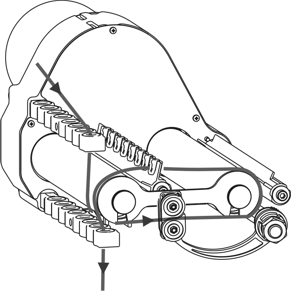
Alimentador 2 |
Entrar indicações ao alimentador depois da unidade de controle do fio.
| |
|
Freio permanente |
Entrar a indicação ao freio permanente na cobertura lateral.
Enter note to the setting of the braking effect at the knurled nut (1) or the adjusting lever. | |
|
Trajeto de recuperação |
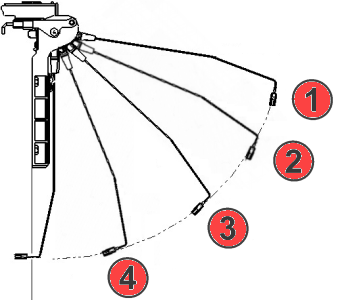
Selecionar trajeto de recuperação do braço de recuperação lateral.
| |
|
Força de recuperação |
Selecionar força de recuperação do braço de recuperação lateral.
| |
|
Bypass |
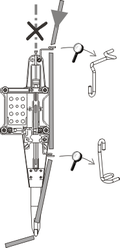
Definir bypass para guia-fios automático (com ID ou finura). Example: If necessary, enter ID and gauge. | |
|
Comentário |
Entrar mais equipamentos especiais e indicações. Examples:
| |