Line View
Başlat tab -> Özellikler group ->  Çizgi görünümü
 If you have opened a shape in the pattern project, you can find the Çizgi görünümü window under the Kesim düzenleme tab -> Özellikler group.
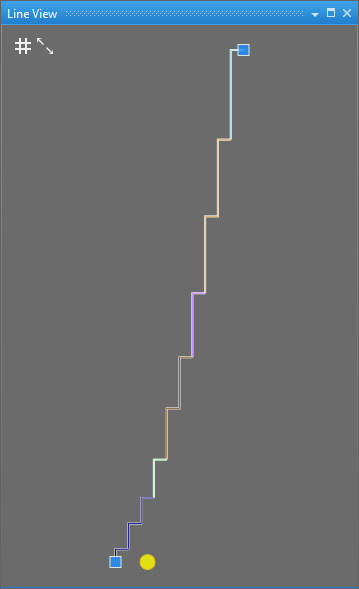
In the Çizgi görünümü window you can see the view of a selected line. The different steppings are differentiated from each other by color.
Changes are displayed immediately and can be controlled better this way.
Line related markings are displayed as yellow points in the entered distance from the startpoint or endpoint of the line.
|
| İlmek kılavuzunu göster |
| İçeriği otomatik olarak sığdır |

