Usage of Scale

Scale a selection with its content

  • Select the area to be scaled.
  • Click on Ölçeklendir.

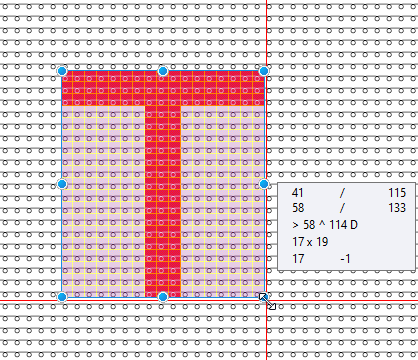
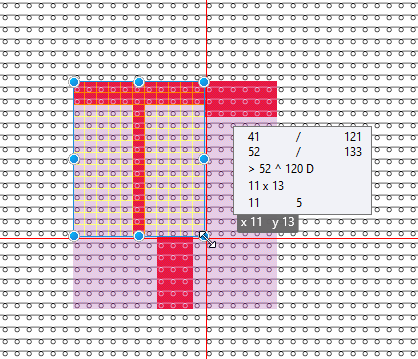
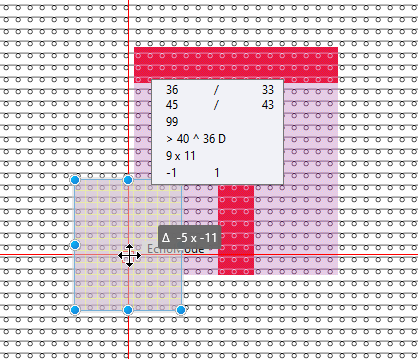
  • Click on one of the blue dots and drag the area to the desired position with the mouse button pressed.
    The new size is shown in the tooltip.
    You can also enter the new size directly into the options bar.

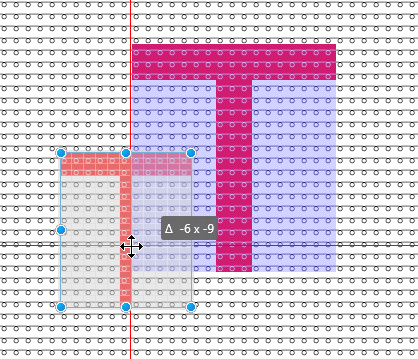
  • Click into the selection to move it to the desired position.
    In the tool tip you see the horizontal and vertical offset, by which it is moved.

Pressing the ESC button you position the area again.
Pressing the ENTER button you finish the procedure.

Scale a selection

  • Select the area to be scaled.
  • Click on Ölçülendir (yalnızca seçim) .

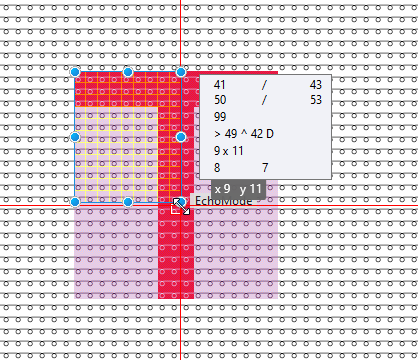
  • Click on one of the blue dots and drag the area to the desired position with the mouse button pressed.
    The new size is shown in the tooltip.
    You can also enter the new size directly into the options bar.

  • Click into the selection to move it to the desired position.
    In the tool tip you see the horizontal and vertical offset, by which it is moved.

Discard the scaling by ESC key.
Press the ENTER key to enter the scaled pattern element and to finish the procedure.