Navigation pane (module)
The different module types are displayed in the navigation pane.
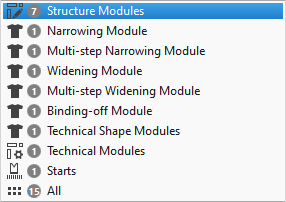
- Only the module types available in the pattern project are displayed.
- The quantity of modules of every module type is displayed beside the name.
- Click on a module type to display the corresponding modules in the content view.
- Click on Tümü to display all the modules in the content view.
 When creating a module, the module type is defined.
The module type is displayed in the properties of the module and serves as a filter for the correct application of the module.
Information about the different module types: