Content view (Modules)
In the content view are displayed all the available modules of a module type in the design project.
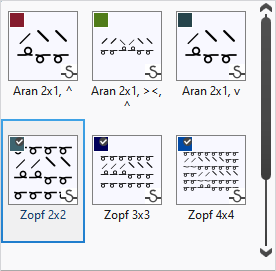
- In the navigation pane select the module type that is displayed in the content view.
- To apply a module, select it, select the desired variant in the module view and draw it into the pattern with the help of the drawing tools.
The presentation of the modules has the following meaning:
You make the following settings in the context menu on the modules: