New Design Project from Dimensioned Shape
You make the following settings in the Ölçülendirilmiş kesimden yeni tasarım projesi dialog box:
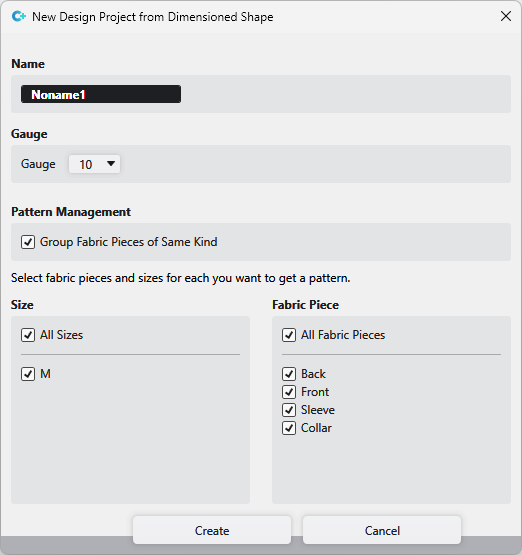
|
Ad |
Enter a name for the design project. |
|
Makine inceliği |
Select the gauge for the design project. |
|
Desen yönetimi |
Groups are created in the Pattern tool window of the design project and the patterns are allocated to the corresponding groups.
The created patterns are saved in the Pattern tool window without grouping. |
|
Boyut |
Select the sizes of the Dimensioned Shape project, that are to be used to create the design project. |
|
Örgü parçası |
Select the shapes of the Dimensioned Shape project, that are to be used to create the design project. |

