Drawing Basic Pattern
Draw structure with different yarn colors:
- 1
- To draw, select the desired setting in the status bar
 .
. 花型颜色
花型颜色
- or - 模块颜色
模块颜色 - 2
- Select drawing tool.
- 3
- Select any desired 纱线颜色, 库颜色 or 导纱器颜色 in the 花型颜色 tool window and draw it into the design pattern.
- 4
- Save as pattern element if necessary.
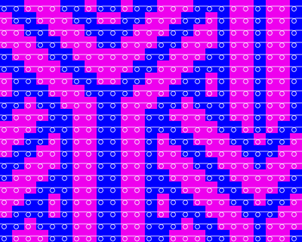
Example created with yarn colors #3 and #6:
- 1
- For border processing of 1 needle at the left and right each, draw in the yarn color, magazine color or yarn carrier color (here blue) which will be transferred and knit at the rear.