Usage of Spline

Draw with or without attributes

  • If you selected cursor attributes, they will be applied to the pattern when drawing.
  • If you did not select any cursor attributes, the area will be selected.
    The selected area is available for further editing.

Edit options while drawing

  • You can edit the options while drawing.

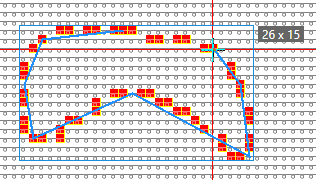
Draw an outlined closed spline by dash line

  • Select 空心封闭曲线图.
  • Enter a 线宽 value (e.g. 1).
  • Set the value for 动程 (e.g. 2) and 间隙 (e.g. 1).
  • Draw the 曲线 (with yarn color red e.g.)
    Width x height of the entire spline appears in the tooltip.

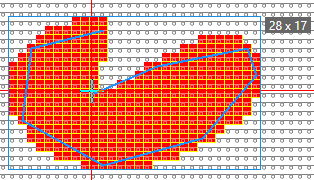
Draw a filled closed spline

  • Select 齿条填充.
  • Enter a 线宽 value (e.g. 1).
  • Set the 间隙 to 0 (zero).
  • Draw the 曲线 (with yarn color red e.g.)
    Width x height of the entire spline appears in the tooltip.

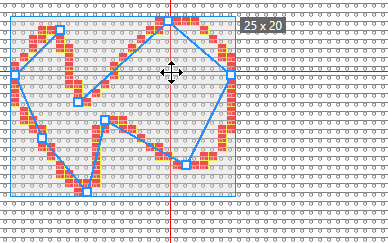
Draw a spline polyline with Echo Mode

  • Select 空心封闭曲线图.
  • Enter a 线宽 value (e.g. 1).
  • Set the 间隙 to 0 (zero).
  • Select 预显模式画图.
  • Draw the 曲线 (with yarn color red e.g.)
    After the second click, the echo with the handles appears.
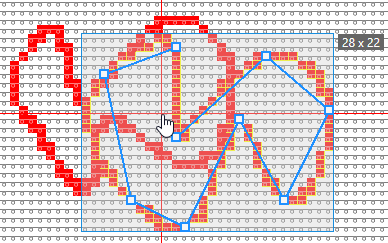
  • Each line of the spline receives handles, so that you can change the lines individually.

  • Apply the polyline to the pattern by ENTER.
    A new polyline appears with handles for moving and changing.
  • You can repeat the procedure as often as desired.