Compare Colorways
比较配色方案
You can compare the presentations of different colorways from the 配色方案 table to each other in the 比较配色方案 tool window..
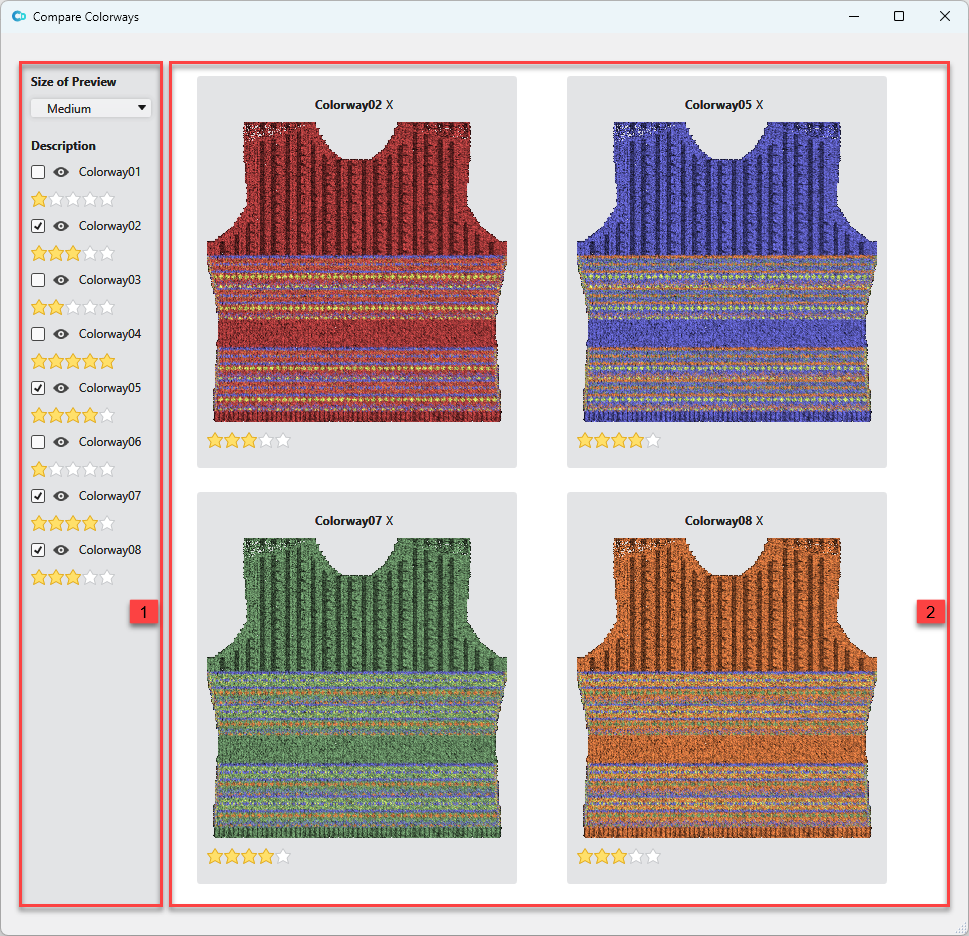
Make the following settings in the 配色方案 tool window:
|
1 |
Settings for comparing
Select the size of the view: 小, 中 or 大.
The entries of the 配色方案 table are displayed. You can enter a rating for each colorways by the stars. |
|
2 |
Presentation of the selected colorways Click the X next to the designation above the presentation to remove it from comparing. Click the stars below of the presentation to rate this presentation. |