Project Settings
文件 tab -> Call-up 选项 selection.
Select the 选项 section in the  Project Settings dialog box.
Make the following settings in the Project Settings section:
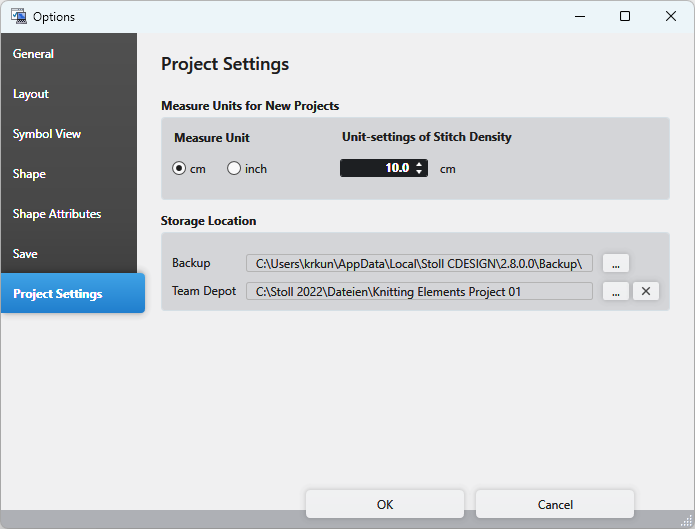
测量单位 Section
 The settings are applied for every new 设计项目. However, they have no effect on already created or currently opened design projects.
|
测量单位 |
Select the measure unit.
|
|
线圈密度单位设定 |
Enter the reference measure for the stitch density in the set measure unit. |


Storage Location
|
路径 |
Select the path on which the backup is saved. |
|
Team Depot |
Select the path to a network or cloud folder on which the knitting elements are saved.
|