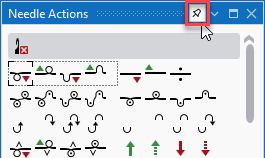
Docking behavior of document and tool windows
For each tool window or document window, the snap feature can be enabled or disabled.
For this purpose, there is a button on the right side of the header that functions both as a display and as a button.
The window can be docked:
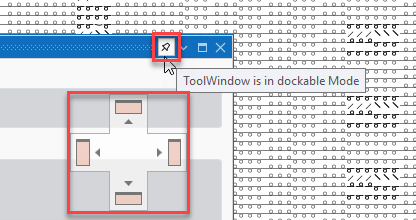
The window is dockable and the docking buttons appear when you move it.
The window can not be docked:
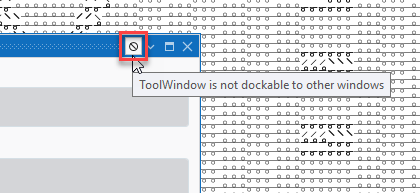
The window is not dockable.
The window can be moved freely the docking buttons appearing.
 The function only appears when the windows are floating.
When docked, it is not visible.
Document Windows :
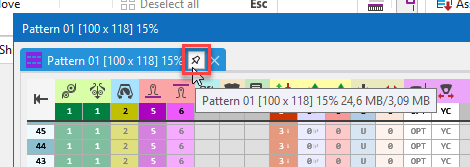
Tool Window: