Creating and comparing colorways
You can easily create colorways, also known as colorways, via the Colorways tool.
Creating colorways:
- A design project is open.
- 1
- Open the Colorways tool window.
- The Colorways tool window appears.
Initially, you will only see the preview of the current colors of your pattern.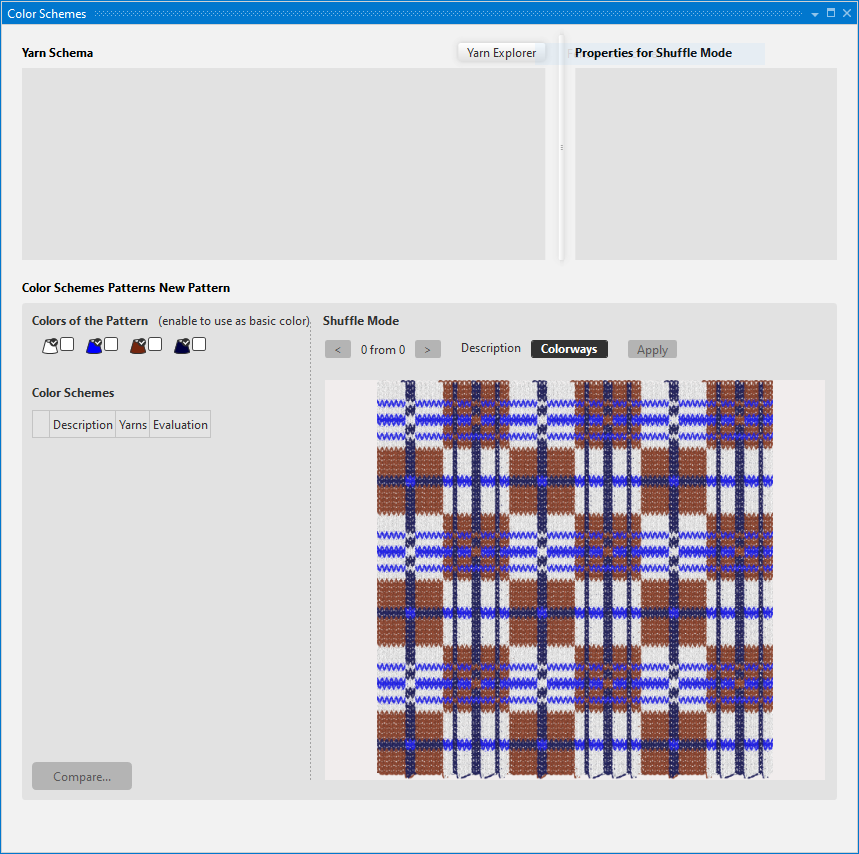
- 2
- Define different colored yarns for the yarn scheme, which are to be combined automatically by the shuffle mode.
Open the Yarn Explorer and drag the desired colored yarns in the Yarn Schema area.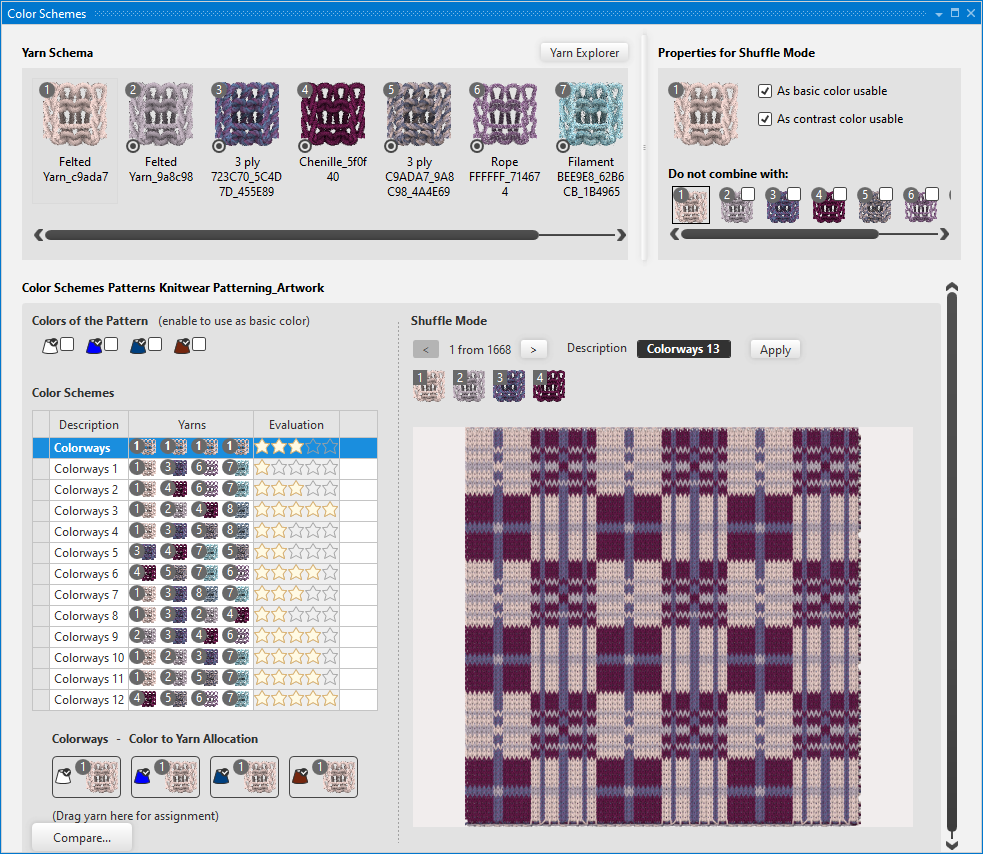
- In the Shuffle Mode area appear all colorways that are possible.
- 3
- You can establish additional properties for the Shuffle Mode:
As basic color usable :
The respective colored yarn is also used as basic color.
As contrast color usable :
The respective colored yarn is simultaneously also used as contrast color as well.
- In the Shuffle Mode there are also mentioned different suggestions for colorways.
Apply, rate and compare different colorways:
- 1
- Click on Applyto apply a Shuffle Mode as colorway.
- This colorway is listed under Colorways.
- 2
- Click on 1-5 stars to rate the applied colorways.

- 3
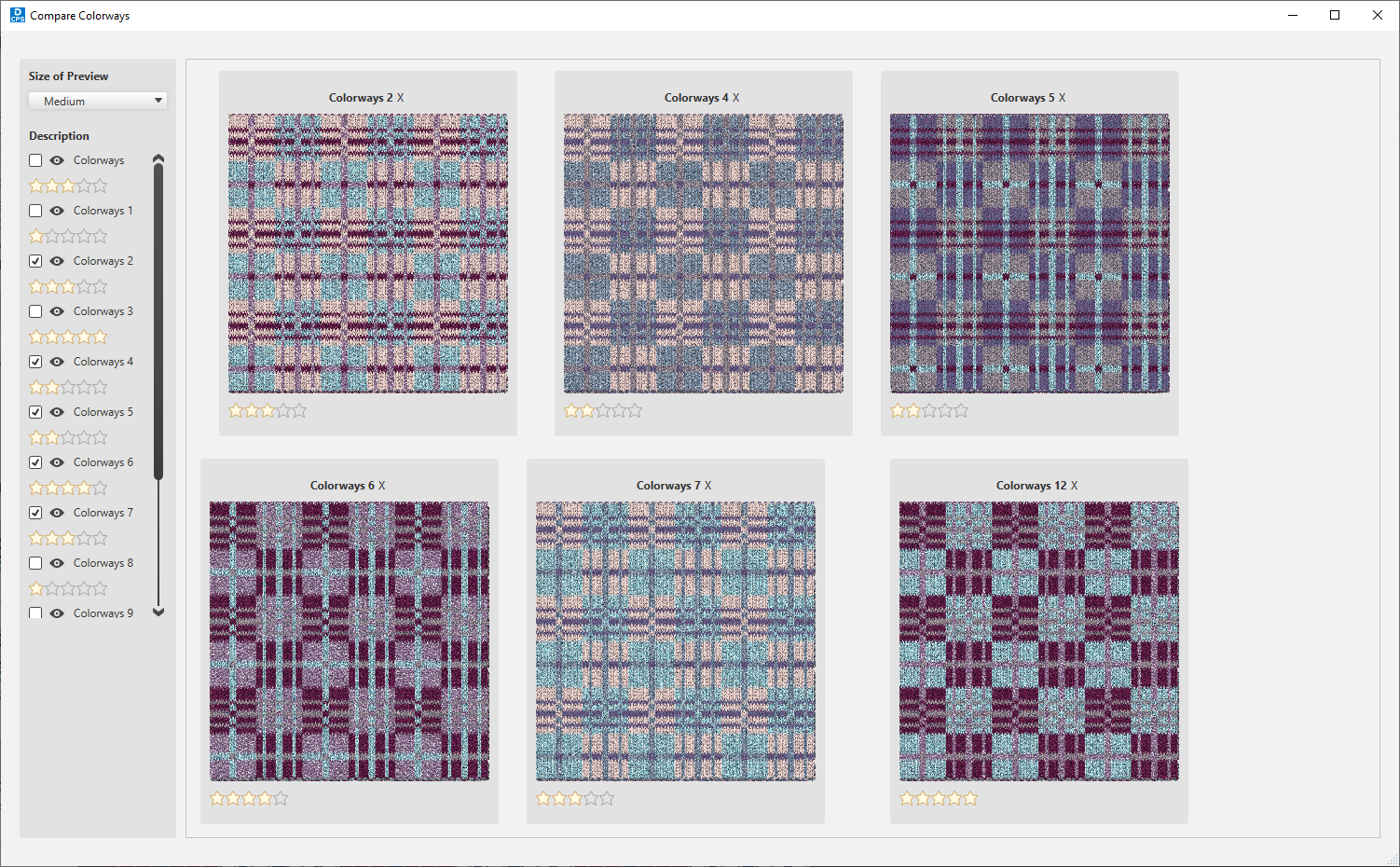
- Click on Compare... to compare all the selected colorways with each other.
- The Compare Colorways dialog appears with an overview over the colorways.
 If you prefer one colorway and you want to export it:
Assign the corresponding yarns to the fabric preview.
Use the export function of the fabric preview.