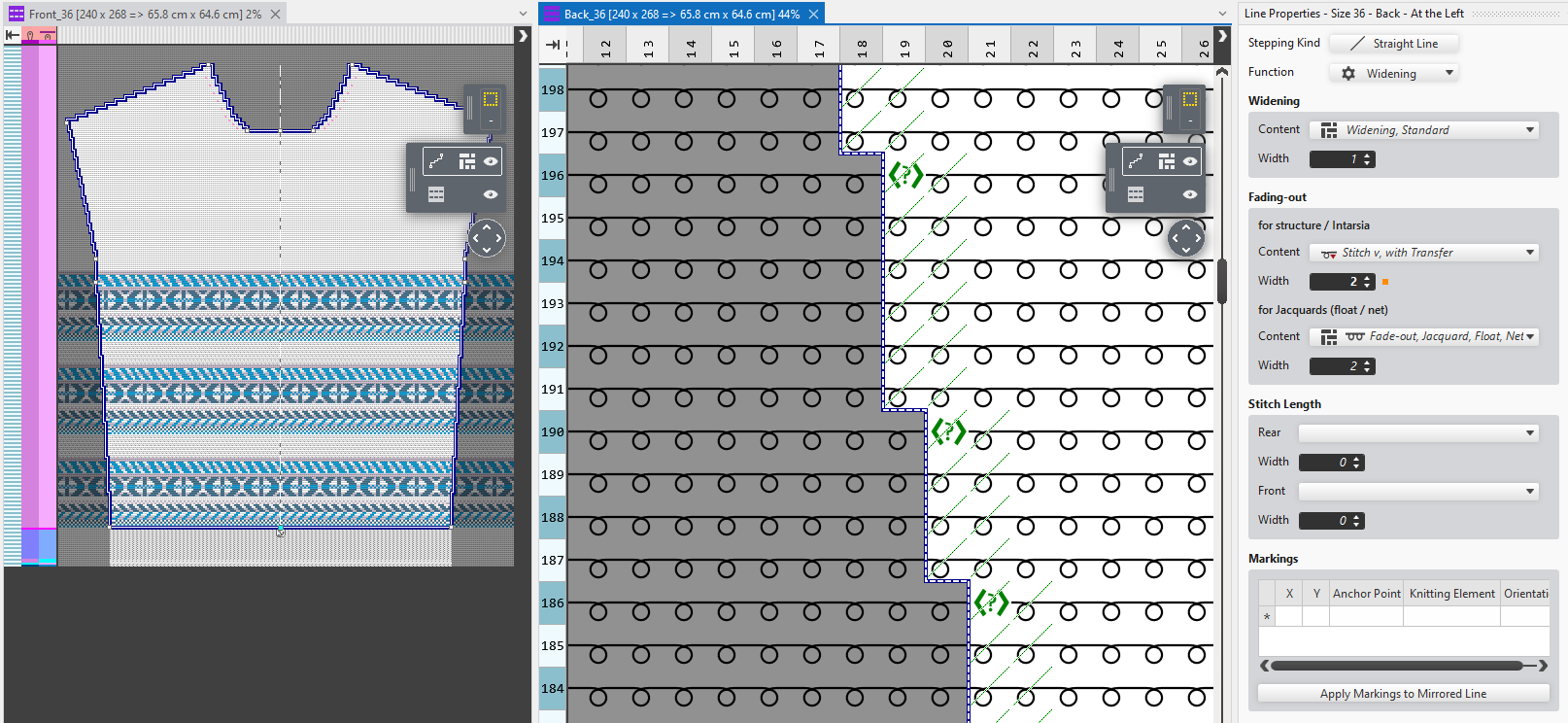
Editing the Shape in the Design Project
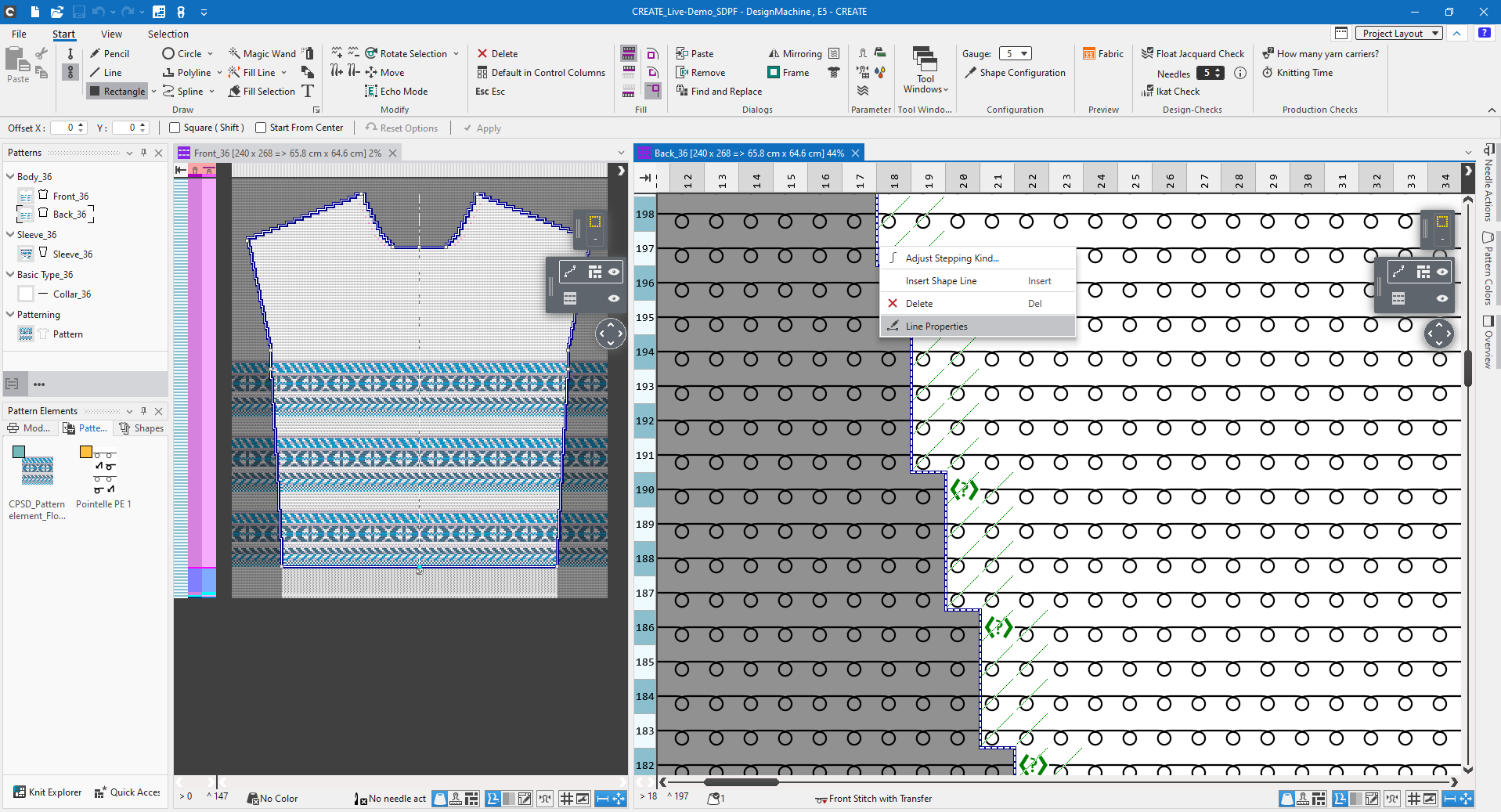
- A design project is open.
- The Shape Editing mode is active.
- 1
- Click on a line with the right mouse button.
- The context menu appears.
- 2
- Select Line Properties.
- The Line Properties dialog box appears for editing.