Dimensioning View
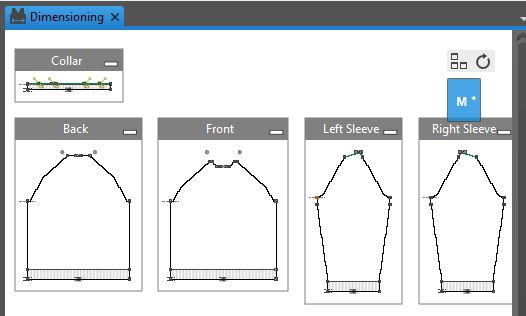
In this view you edit the shape file:
- Input data
- Allocate shape points and markings
- Assign dimensions and formulas
- Create sizes
- Create and position knitting areas
-
 Fabric Pieces and Sizes
Shows the Fabric Pieces and Sizes tool window. Fabric Pieces and Sizes
 How to Proceed:
- Edit Geometry
- Calculate Sizes
- How to Determine the Knitting Mode in a Pattern Area
- How to Insert Colored Stripes
 Examples concerning this topic:
- Short-sleeve Sweater with Saddle Shoulder
- Private Slipover with Formulas
- Set of Sizes with Colored Stripes
- Set of Sizes with Structure
More Information:
- Single Shape View
- Start Ribbon
- Fragment Yarns
- Drawing Tools
- Options of the Dimensioning View
- Controls of the View
- Context Menu