Shapes tool window
Tool Window  Shapes
Start tab -> Tool Windows -> Shapes
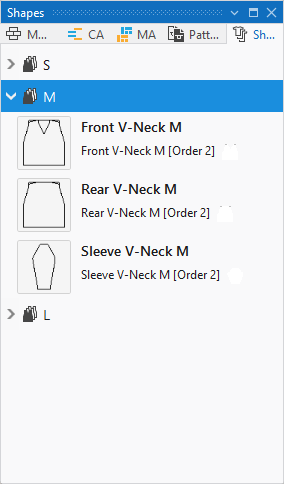
In the Shapes tool window you can find all shapes available in the project divided in groups of sizes.
You can fold the groups up or out whereby the contained shapes become visible.
Input Format
Lined shapes in the stitch and steps input format can be loaded together in the tool window.
Lined shapes of the hand knitting input format (courses) cannot be loaded together with lined shapes in the stitch and steps input format
A miniature graphic of the shape is displayed in the tool window.
Lined shapes of the steps input format are marked with a green icon on the bottom right: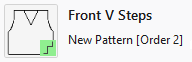
The name of the shape appears beside the graphic.
If the shape was positioned on a pattern, the name of the pattern also appears under the name of the shape.
Make the following settings in the Shapes tool window: