Yarn Feeding
Call up the Start tab -> Preview group ->  Yarn Carriers button.
Call up the Yarn Carriers tab -> Yarn Carriers group ->  Yarn Feeding button.
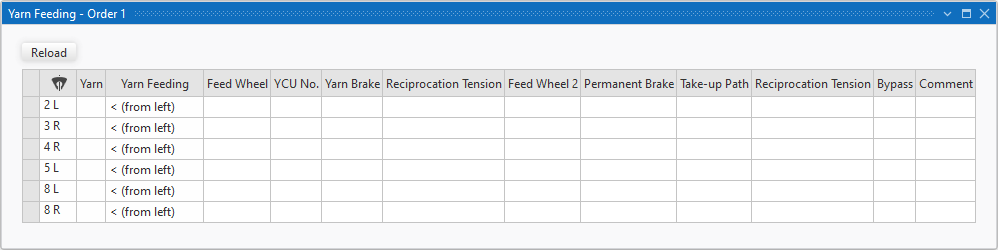
You enter notes here for the yarn feeding of the bobbins to the different yarn carriers, that are displayed in this table.
You can print this table or share it as a PDF file.
|
|
The inserted yarn carriers will be displayed. Sort by this column in order to get an overview of all yarn feedings. | |
|
Yarn |
Shows the yarns of the Allocating Yarns tool window.
| |
|
Yarn Feeding |
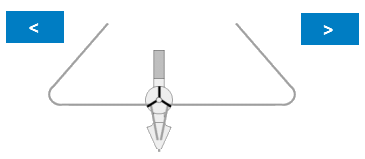
Select the direction of the yarn feeding.
| |
|
<V (from top left) |
| |
|
V> (from top right) | ||
|
< (from left) |
| |
|
> (from right) | ||
|
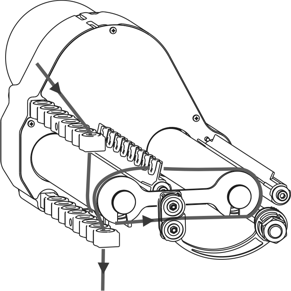
Feed Wheel |
Enter notes for the feed wheel before the yarn control unit.
| |
|
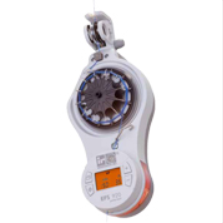
YCU No. |
Specify the number of the yarn control unit. | |
|
Yarn Brake |
Specify the braking effect at the yarn control unit. Example: | |
|
|
Empty entry, deletes the selection. | |
|
Weak |
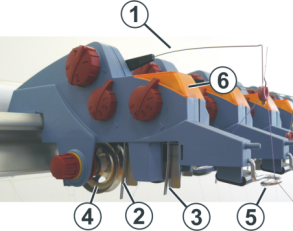
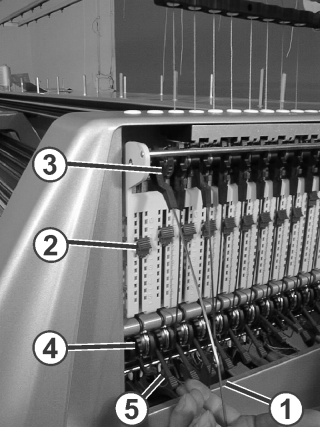
Adjust a weak braking effect at the YCU yarn brake (4). | |
|
Medium |
Adjust a middle braking effect at the YCU yarn brake (4). | |
|
Strong |
Adjust a strong braking effect at the YCU yarn brake (4). | |
|
Reciprocation Tension |
Select the take-up tension of the yarn control unit. | |
|
Feed Wheel 2 |
Enter notes for the feed wheel after the yarn control unit.
| |
|
Permanent Brake |
Enter notes for the permanent brake at the lateral cover.
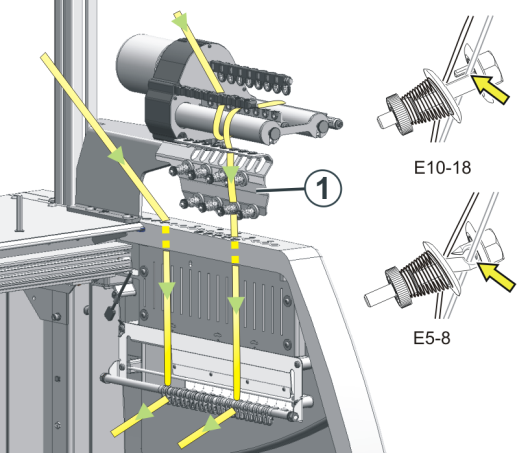
Enter note to the setting of the braking effect at the knurled nut (1) or the adjusting lever. | |
|
Take-up Path |
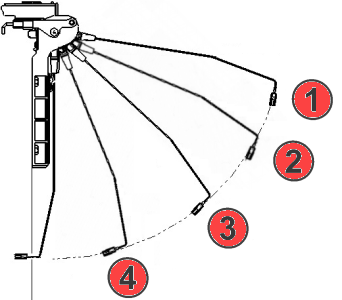
Select the take-up path of lateral yarn tensioner.
| |
|
Reciprocation Tension |
Select the reciprocation tension of lateral yarn tensioner.
| |
|
Bypass |
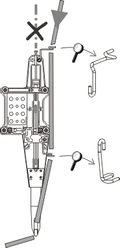
Specify bypass for the autarkic yarn carrier (with ID or gauge). Example: If necessary, enter ID and gauge. | |
|
Comment |
Enter further special attachments and notes. Examples:
| |