MC Jacquard Editor
In the MC Jacquard Editor you open the generated MC Jacquard after Generar programa de tisaje.
The opened MC Jacquard can be viewed and edited there.
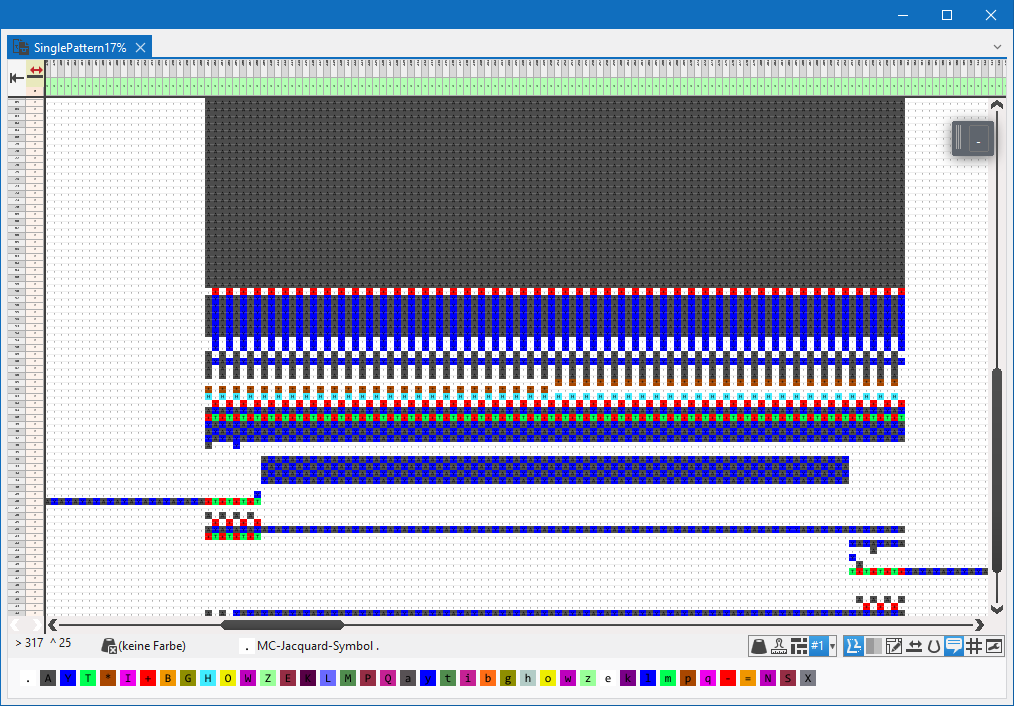
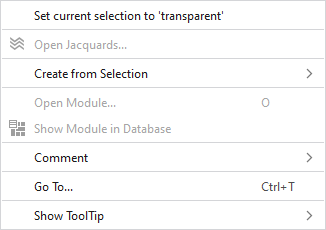
Make the following settings in the context menu of the MC Jacquard:
|
Ajustar selección actual a 'transparente' |
Sets the selected area to transparent. | |
|
Comentario |
On any point in the Jacquard, position a pin, a comment or a graphic. | |
|
Ir a... |
Enter the technical row you want to go to. | |
|
Mostrar información rápida |
|
Activates the tooltip in the needle area. |
|
|
Activates the tooltip in the needle area, as well as a preview of the modules. | |
|
|
Activates the tooltip in the control columns. | |
|
|
Activates the tooltip in the control columns as well as a preview of CA and MA. | |
|
|
The coordinates of the drawing are shown when drawing. | |

