Display of Coordinates
Display of Coordinates
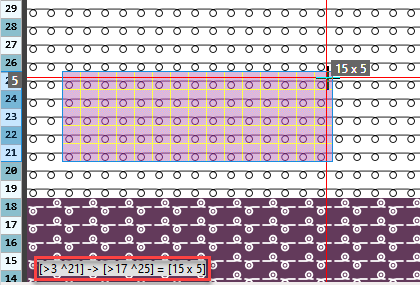
- The coordinates for drawing are displayed in the lower left corner of the document window.
- Startpoint, endpoint and size of the selected area is displayed.
The display persists even after drawing. - You can switch off the display via
 in the tool tip.
 - You can enable or disable the display of coordinates permanently by the Mostrar informaciones del lienzo de dibujo check box in the Opciones tool window of the status bar.
Status bars