New Lined Shape
With this dialog box you create a new lined shape.
Open the dialog box using the context menu of the empty area in the Cortes tool window.
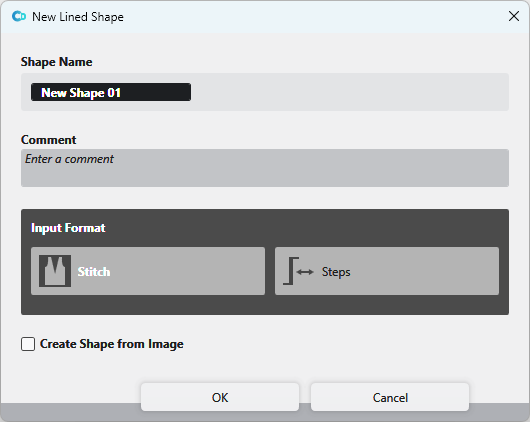
You make the following settings in the Nuevo corte de líneas dialog box:
|
Nombre del corte |
Enter the name of the lined shape. |
|
Comentario |
Enter a comment to the lined shape. |
The Formato de entrada appears greyed out in the CREATE DESIGN and cannot be edited.
|
|
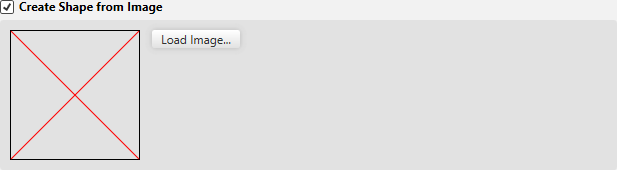
Create a shape from an existing image file. |
|
Cargar imagen... |
Cargar archivo de imagen como plantilla para el corte.
|

You can find examples to create lined shapes here:
- Muestra Fully Fashion: Pieza delantera con escote en V para estructura
- Muestra Fully Fashion: Pieza delantera con tipos de elemento de corte Escote e Inserción (hombro)
- Muestra Fully Fashion: Pieza delantera con escote y sectores de tisaje
- Muestra Fully Fashion: Pieza delantera con escote y tipo de elemento de corte Pinzas
- Muestra Fully Fashion: Pieza delantera con escote y remallado
- Muestra Fully Fashion: Pieza de tisaje con aumento en varios pasos y menguado en varios pasos
- Muestra Fully Fashion: Espalda con espalda francesa
- Trabajar con cortes