Yarn Management
Database of Yarns
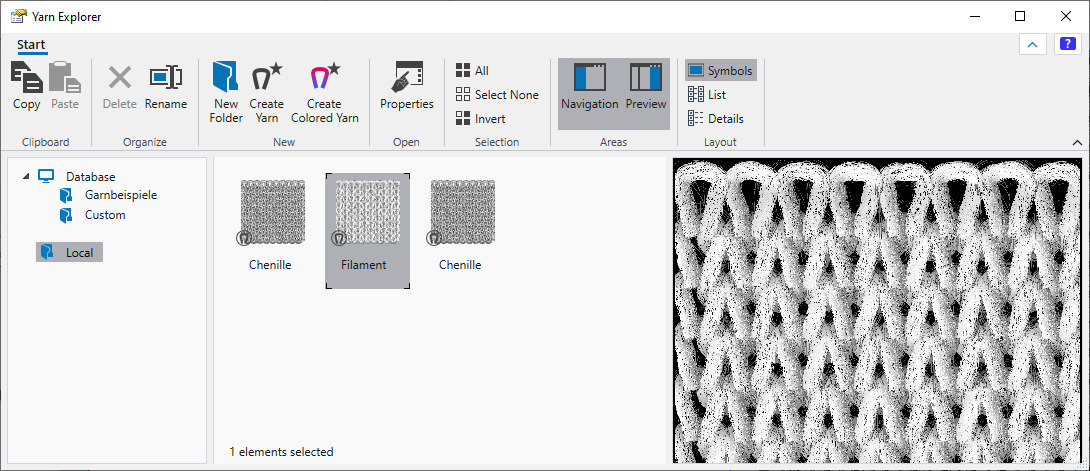
The yarns of the database are saved in the application.
Currently there are some preset yarn types available in the database.
Naturally, you can extend them.
The yarn types are displayed with the grey preview color.
You can customize the preview color.
Yarns with colors con be created based on any yarn type.
With the drag-and-drop function you can assign the yarns to a pattern color in a design pattern.
Local Yarns
In the Local folder there are displayed all yarns, which you have currently assigned to a pattern in an opened design project.
- A yarn appears locally as soon as it is assigned by drag and drop from the database to a pattern color of the fabric view.
- A default yarn is automatically assigned to each pattern.
With it, the fabric view is represented in case you didn't assign another yarn to the fabric view.
Check previously whether the yarn is being used in the fabric view.
When hovering with the cursor over the fabric view, the yarn, which you assigned to that area of the pattern appears in brackets.