|
Draw with or without attributes
|
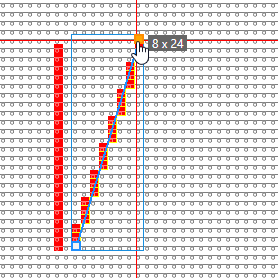
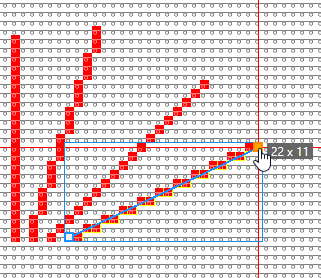
- If you selected cursor attributes, they will be applied to the pattern when drawing.
- If you did not select any cursor attributes, the area will be selected.
The selected area is available for further editing.
|
|
Draw a free line
|
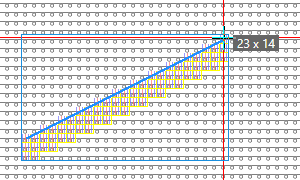
- Enter a Épaisseur de la ligne value (e.g. 3).
- Select the Alignement (e.g. right).
- Set the Trou to 0 (zero).
- Select the
 libre option. libre option. - Draw the Ligne (e.g. without attributes).
The measurements of the line (horizontal and vertical length) appear in the tooltip.
|
|
Draw a dash line
|
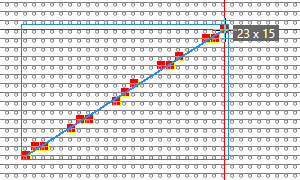
- Set the Épaisseur de la ligne value(e.g. 1).
- Set the value for Stroke (e.g. 3) and Trou (e.g. 2).
- Draw a Ligne. (with yarn color red e.g.)
The measurements of the line (horizontal and vertical length) appear in the tooltip.
|
|
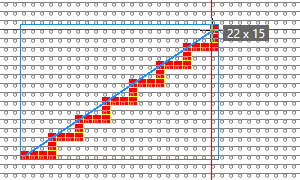
Draw a line with user defined stepping
|
- Set the Épaisseur de la ligne value(e.g. 1).
- Set the Trou to 0 (zero).
- Select the Définie par l'utilisateur option.
- Select the Largeur : (e.g. fix = 3) and the Hauteur : of the stepping (e.g. fix = 2).
- Draw a Ligne with the specified stepping. (with yarn color red e.g.)
The measurements of the line (horizontal and vertical length) appear in the tooltip.
|