Usage of Fill Line

Draw with or without attributes

  • If you selected cursor attributes, they will be applied to the selected area.
  • If you did not select any cursor attributes, the area will be selected.
    The selected area is available for further editing.


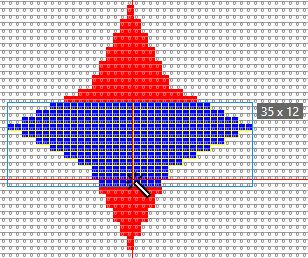
rechercher vers la gauche et vers la droite

Couleur de fond

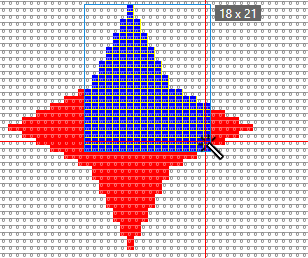
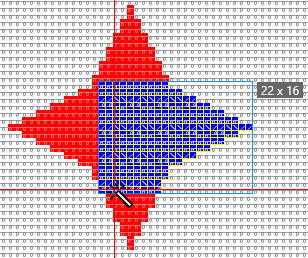
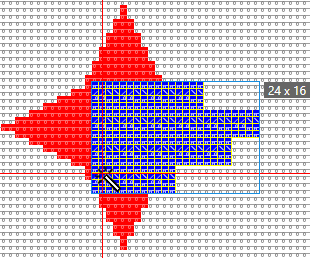
  • The red area is filled with the yarn color blue.
  • Starting with the first mouse click it will be filled to the left and to the right up to the color edge.
  • The first and the second mouse click define the top and the bottom edge.


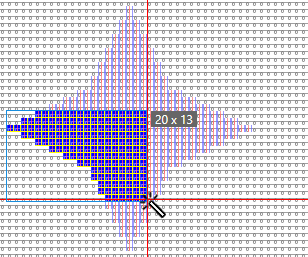
rechercher vers la gauche

Tenir compte de la sélection

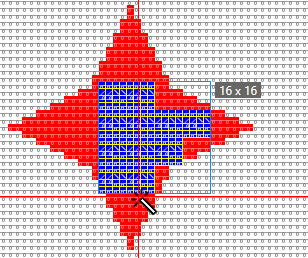
  • The selected area is filled with the yarn color blue.
  • Starting with the first mouse click it will be filled to the left and to the right up to the selected edge.
  • The first and the second mouse click define the top and the bottom edge.


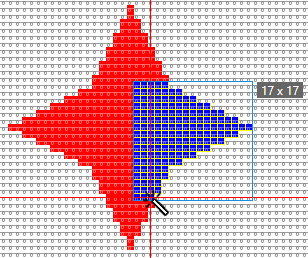
rechercher vers la droite

Couleur de fond

  • The red area is filled with the yarn color blue.
  • Starting with the first mouse click it will be filled to the right up to the color edge.
  • The first and the second mouse click define the top and the bottom edge.


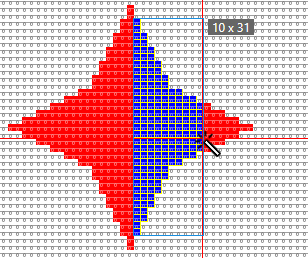
rechercher vers le haut et vers le bas

Couleur de fond

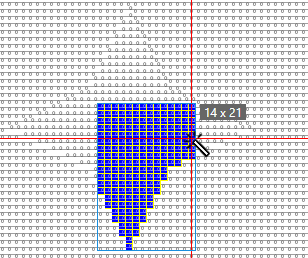
  • The red area is filled with the yarn color blue.
  • Starting with the first mouse click it will be filled to the top and to the bottom up to the color edge.
  • The first and the second mouse click define the left and the right edge.


rechercher vers le haut

Couleur de fond

  • The red area is filled with the yarn color blue.
  • Starting with the first mouse click it will be filled to the top up to the color edge.
  • The first and the second mouse click define the left and the right edge.


rechercher vers le bas

Action de l'aiguille / module

  • The rear stitch area is filled with the yarn color blue.
  • Starting with the first mouse click, it will be filled to the bottom down to the edge of the needle action.
  • The first and the second mouse click define the left and the right edge.


rechercher vers la droite Test

Couleur de fond

Fill with module and yarn color.

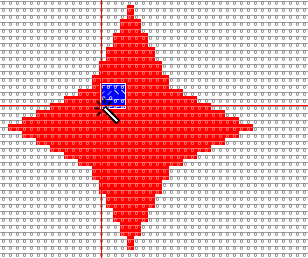
  • Click on the red area with module and yarn color.
    The position, on which it is clicked determines the positioning of the module.


rechercher vers la droite

Couleur de fond

Fill with module and Bord libre.

  • Set the Remplir property to Bord libre.
  • The module is inserted as follows:


rechercher vers la droite

Couleur de fond

Fill with module and Bord exact.

  • Set the Remplir property to Bord exact .
  • The module is inserted as follows:


rechercher vers la droite

Couleur de fond

Fill with module and Bord recouvert.

  • Set the Remplir property to Bord recouvert .
  • The module is inserted as follows: