Context menu on the button
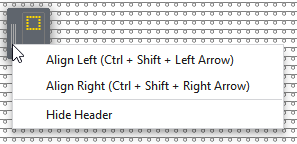
You make the following settings in the context menu on the button at the left edge of the window:
- Pattern without the positioned shape:
|
Aligner à gauche (CTRL+MAJ+touche de direction à gauche) |
The Cursor Attributes window is placed in the document window in the upper left corner.
|
|
Aligner à droite (CTRL+MAJ+touche de direction à droite) |
The Cursor Attributes window is placed in the document window in the upper right corner.
|
|
|
|
 In principle, depending on the existing attributes, the Cursor Attributes window is resized to the right.
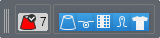
 The header in the window is displayed.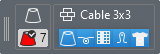

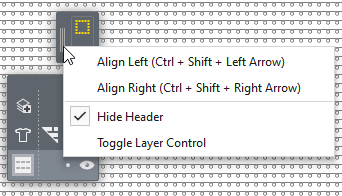
- With a pattern with positioned shape appears the following function additionally:
|
|
|
