Define the Shoulder Gore at the Front and Back of the Body
How to define the shoulder gores at the front of the body:
- 1
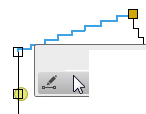
- Open the context menu for the left diagonal shape line of the shoulder at the front.
- 2
- Select the

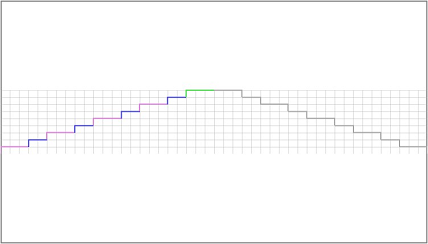
- The Line Properties tool window appears.
- The selected shape line and the mirrored shape line appear in the detail view on the right.
- 3
- Go to the Stepping Parameters group box.
- 4
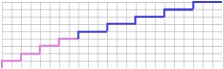
- select the Angled Outside Shape option in the Stepping Kind
 list box.
 - The detail view updates.
- 5
- Keep the value 0 in the Step Width
 edit box.
 - 6
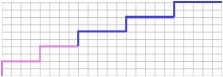
- Select the even-numbered option in the Stepping in the Height list box.
- The detail view updates.
- 7
- Keep the value 0 in the Min. Height at the End of Line edit box.
- 8
- Go to the M row of the Line table.
- 9
- Select the Gore option in the list box of the Function column.
- 10
- Do not make changes in the group box for Attributes, Markings and Behavior of All Sizes.
- The Gore knitting mode is allocated to the shoulder.
Proceed the same way to define the shoulder gores at the back of the body.