From knitting shape to the DXF export
If you created a dimensioning or a lined shape and want to use it for example for the digital pattern creating in a 3D software of any provider, you have to export the knitting shape as DXF file.
- The shape is open in or CREATE PLUS.
- 1
- Click the File ribbon.
- The menu bar appears.
- 2
- Click on the Esporta come file DXF function.
- The Esporta tagli dialog box appears.
- 3
- Specify the sizes to be exported.
- 4
- Specify the fabrics to be exported.
- 5
- Confirm the selection with OK .
- 6
- Assign a file name.
- 7
- Save as DXF file.
- The DXF file was saved and can be used as construction in external programs.
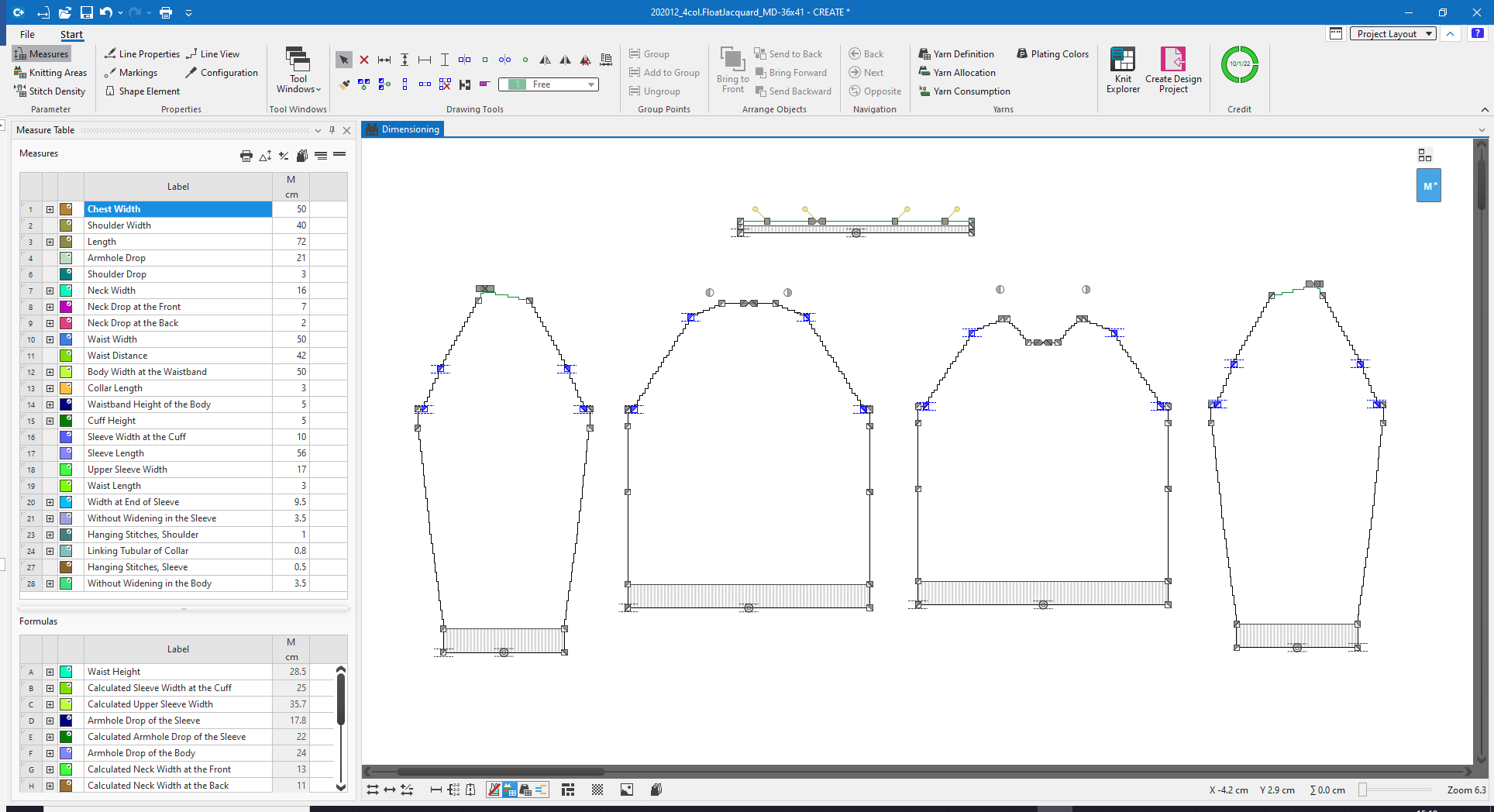
Knitting shapes can normally be recognized by the shape lines with steps.
These steppings depend on the selected stitch density.
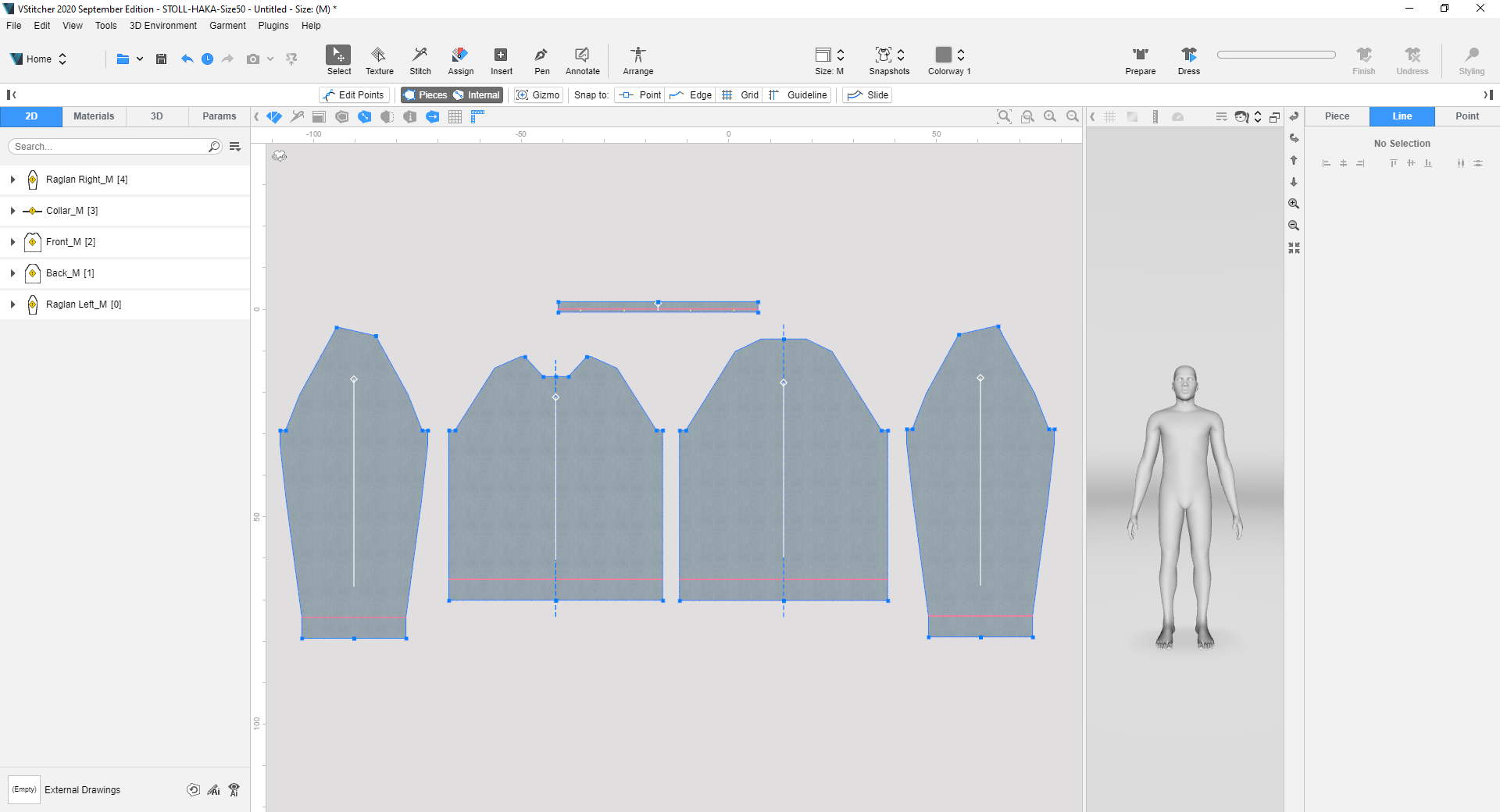
By the DXF export, these steppings are simplified to straight shape lines.