Usage of Move

General

  • Using the Sposta tool is particularly helpful with Color Arrangements.
    Therefore, the examples of usage are related to color arrangements.

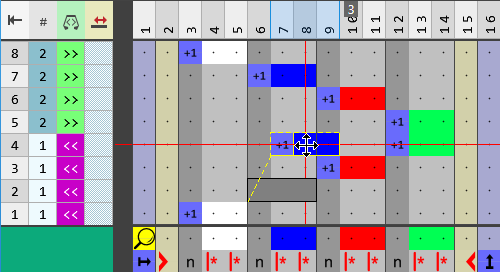
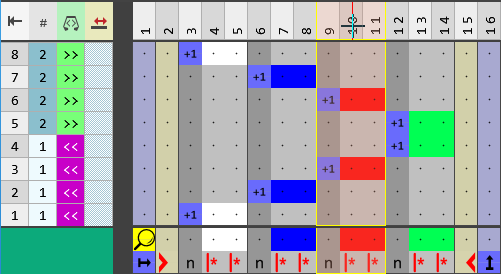
Move and overwrite a segment row.

  • Open a CA.
  • Select Sposta.
  • Select Sovrascrivi.
  • Select Rango di segmenti.
  • Click the segment you want to move and draw it to the desired position.

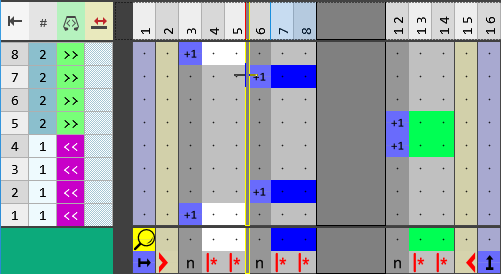
Move and paste a whole segment.

  • Open a CA.
  • Select Sposta.
  • Select Incolla.
  • Select Rango di segmenti.
  • Click the segment you want to move.

  • Draw the segment to the desired position.