Specify application scope
In the drop-down list box you define if the settings should have an effect on a specific pattern or on the entire project.
|
A specific pattern |
The entire project |
|
|
|
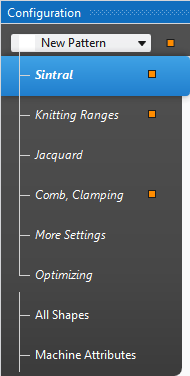
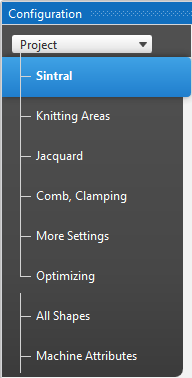
- The changes are immediately applied to the pattern.
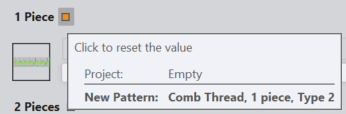
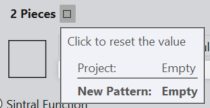
Changes are discarded again through the function Annulla. - When changes are made for specific patterns in a project, then a marking appears beside the modified entries.
Marking by orange  or empty
|
|
|
|
|
|
- The tabs Sintral until Ottimizzazione include pattern-related settings while the Tutti i tagli and Attributi della macchina tabs include project-related settings.
- Only with changes to pattern-related settings are the markings orange or empty.
- That is why, when selecting a pattern, the titles of the tabs Sintral until Ottimizzazione appear in italics, while the titles of the Tutti i tagli and Attributi della macchina tabs appear normal, not in italics.
When selecting the entire project all tabs appear normal, not in italics. - Only with titles in italics are the markings orange or empty.
- The modules you selected on the tabs for given knitting situations will be loaded on the Moduli tool window and saved together with the pattern.