Multi-step Widening
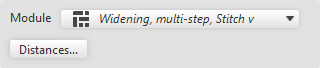
When selecting Aumento a più gradini, the following dialog box appears:
|
Contenuto |
Select module for Aumento a più gradini.
|
|
Distanze… |
Opens the Distanze della linea dialog box |


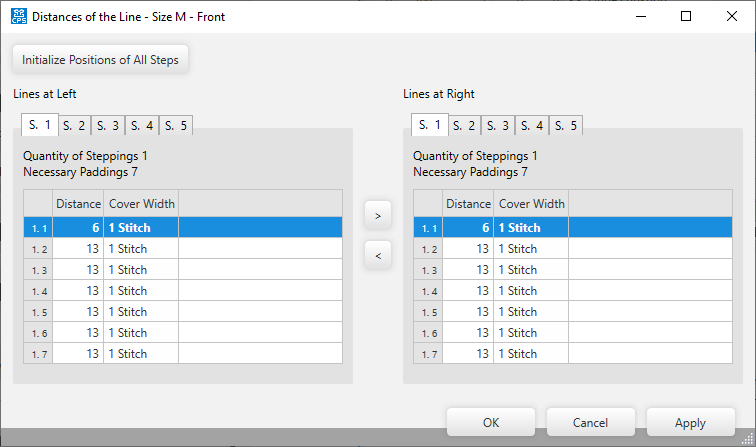
Make the following settings in the Distanze della linea dialog box:
|
Inizializza posizioni di tutti gli stadi |
Initializes the positions of the steps. |
|
Linee a sinistra |
Settings of the left lines for multi-step narrowing. |
|
Linee a destra |
Settings of the right lines for multi-step narrowing. |
|
S. 1 / S. 2 / S. 3 / S. 4 / S. 5 |
Select sub-line to View or Edit |
|
Numero di scalature |
Shows the quantity of steps of the selected sub-line. |
|
Distanze necessarie |
Shows the needed distances of the selected sub-line. |
|
First column |
Numbering of the entries. |
|
Distanza |
Shows the distances between the markings. |
|
Ampiezza di copertura |
Shows the cover width of each marking. |