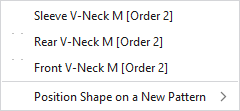
Context menu on the shape
|
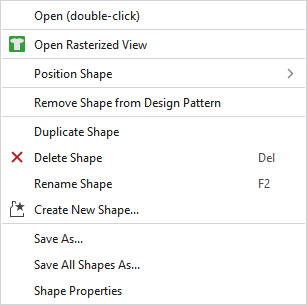
Apri (doppio clic) |
Opens the shape. |
|
Posiziona taglio |
Positions the shape on an available or a newly created pattern. |
|
Rimuovi taglio da disegno design |
Removes the shape from the design pattern. |
|
Duplica taglio |
Duplicates the shape. |
|
|
Deletes the shape. |
|
Rinomina taglio |
Rename the shape. |
|
Salva con nome... |
Saves the shape in any file. |
|
Salva tutti i tagli con nome... |
Saves all the shapes in any file. |
|
Proprietà |
Opens the window with the shape properties. |