New Lined Shape
With this dialog box you create a new lined shape.
Open the dialog box using the context menu of the empty area in the Tagli tool window.
You make the following settings in the Nuovo taglio lineare dialog box:
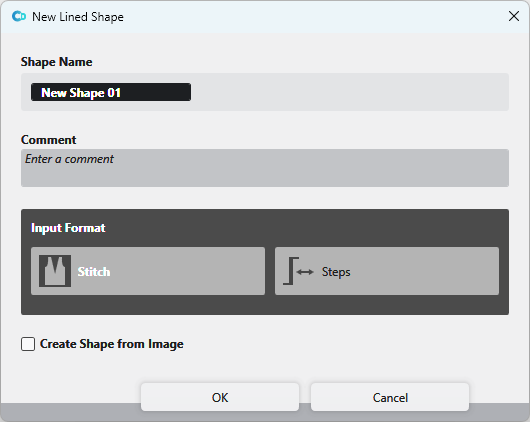
|
Nome del taglio |
Enter the name of the lined shape. |
|
Commento |
Enter a comment to the lined shape. |
The Formato input appears greyed out in the CREATE DESIGN and cannot be edited.
|
|
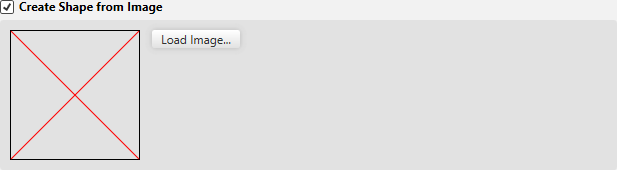
Create a shape from an existing image file. |
|
Carica l'immagine... |
Caricare il file di immagine come modello per il taglio.
|

You can find examples to create lined shapes here:
- Fully Fashion-Pattern: Front with V-neck and Structure
- Fully Fashion-Pattern: Front with neckline and shoulder gore by types of shape elements
- Fully Fashion-Pattern: Front with V-neck and Knitting Ranges
- Fully Fashion-Pattern: Front with V-neck and dart type of shape element
- Fully Fashion-Pattern: Front with V-neck and Binding-off
- Fully Fashion-Pattern: Fabric Piece with Multi-step Widening and Multi-step Narrowing
- Fully Fashion-Pattern: Back with French Shoulder
- Working with Shapes